NRI Grazing Land On-Site Data Collection
(03/23/20011) B-5
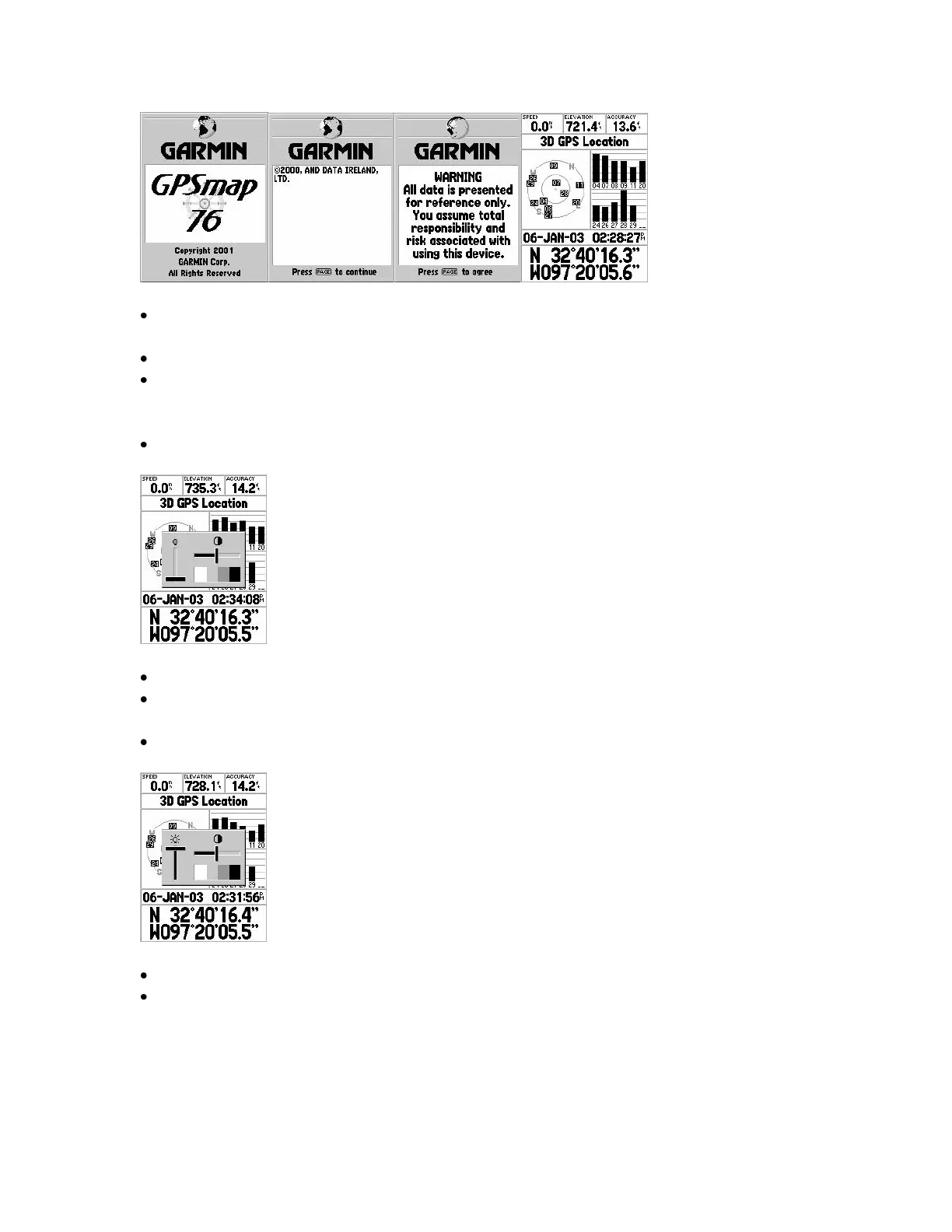
Press the ENTER key to move through the startup pages to the GPS Information
page.
Startup Pages 1 and 2 contain proprietary and copyright information.
Startup Page 3 is a warning and legal disclaimer. See Manual, pg. 10.
POWER Key, Second Press
Press the POWER key a second time to adjust backlight and display contrast.
Warning – turning on the backlight drains the battery!
Warning – Do not change the contrast! Doing so may cause display loss and force a
system reset!
Use the ROCKER key to adjust the „sliders‟ for backlight.
Use the QUIT key to accept the setting or exit the adjustment.
Other setups affect how long the backlight stays on.
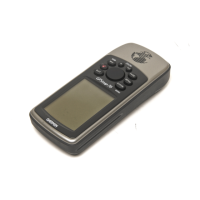
POWER Key, Turn off Map 76
Turn off the Map76 by pressing the POWER key and holding until off. See Manual, Pg.
10.


 To Next Page