NRI Grazing Land On-Site Data Collection
(03/23/20011) B-7
Use the ROCKER key to choose an option. Press the ENTER key to select an option:
Go To Point – Set the Map76 to navigate to a specific waypoint.
Navigate Route – Set the Map76 to navigate using a specific route (collection of
related waypoints).
Navigate Track – Set the Map76 to navigate along a specific track (a denser
collection of points, or a bread-crumb trail)
Resume Navigation – Set the Map76 back to navigation mode after it‟s been stopped.
Uses last navigation setting (point, route, and track).
NAV Key, Second Press
Press the NAV key a second time to set a “Man Overboard” (MOB) point.
The MOB, once set, allows the Map76 to provide navigation directions back to that spot.
A good example is setting the location of a vehicle prior to entering thick woods then
navigating back to the vehicle.
See Manual, Pg. 10.
ENTER Key
Press the ENTER key to accept a choice highlighted by the ROCKER key.
Press and hold the ENTER key to mark a waypoint.
See Manual, pg. 10.
PAGE Key
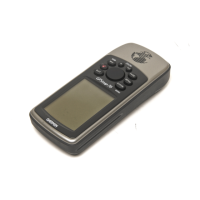
Use the PAGE key to move among the five main display pages of the Map 76.
Map 76 Main Display Pages
The Map 76 has five main display pages:
GPS Information Page


 To Next Page