HDMI Out Video Considerations
NOTICE
To prevent corrosion due to moisture, you must use Garmin GPSMAP accessory cables when connecting the
chartplotter to the video display. Using different cables voids your warranty.
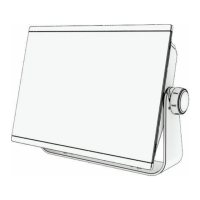
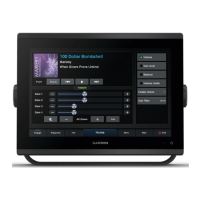
The GPSMAP 12x3 chartplotter models have HDMI out capability to duplicate the chartplotter screen on another
device, such as a television or monitor.
The Garmin GPSMAP HDMI accessory cable is 4.5 m (15 ft.) long. If you need a longer cable, you should use an
active HDMI cable only. You need an HDMI coupler to connect the two HDMI cables.
You must make all cable connections in a dry environment.
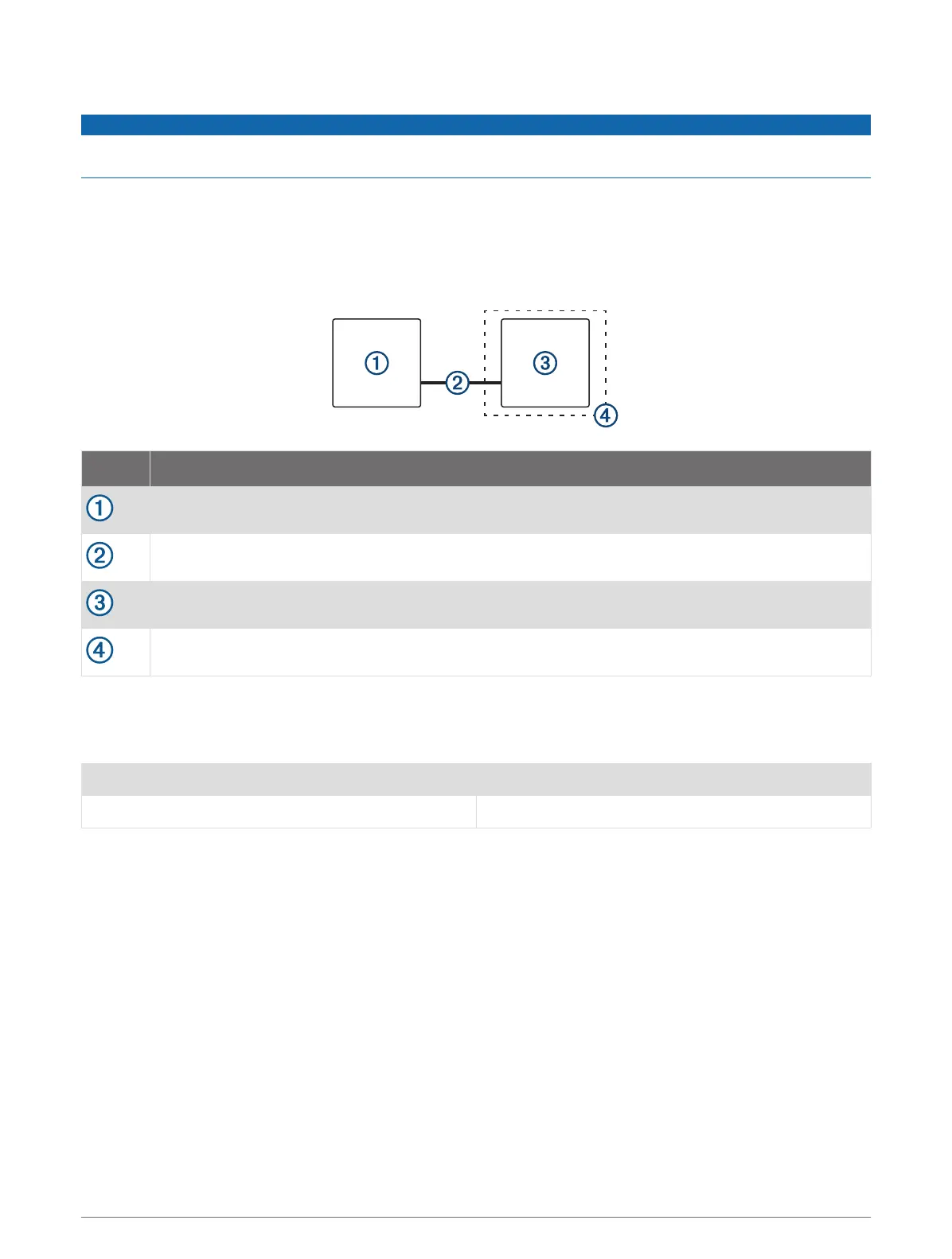
Item Description
GPSMAP 12x3 chartplotter
GPSMAP HDMI cable (HDMI)
Display with an HDMI In port, such as a computer or television
Dry environment, protected from moisture
Installing the Ferrite Beads on the Cables
To comply with regulations and to reduce noise, you can install the included ferrite beads on the specified
cables.
GPSMAP 12x3 Power cable and transducer cable
GPSMAP 7x3/9x3 Power cable, transducer cable, and USB cable
Securely snap one ferrite bead around each of the specified cables, as close to the connectors as possible.
15


 To Next Page