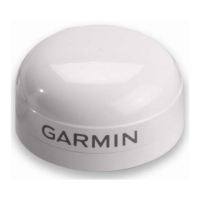
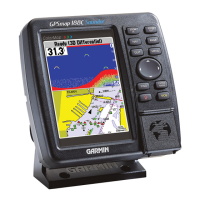
1
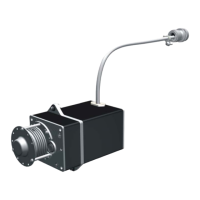
Remove the battery cover on the wind transducer.
2
Bring the wind transducer within 2 m (6 ft.) of the WSI, and
hold the white button on the circuit board until the LED turns
off.
The old pairing information is cleared from the wind
transducer.
3
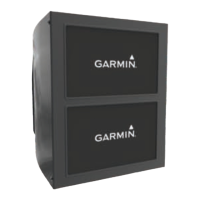
On the marine instrument, from the NMEA 2000 settings,
select the GND 10.
4
Select Generic Configuration.
5
Enter "UP" (this stands for un-pair), and select Done.
The old pairing information is cleared from the WSI.
6
Bring the wind transducer within 2 m (6 ft.) of the WSI, press,
but do not hold, the white button on the circuit board, and
observe the LED:
• When the LED flashes twice, then turns off, the pairing
was successful.
• When the LED flashes twice, then flashes once more for
about one second, the pairing was unsuccessful. Move
the device closer to the WSI and repeat this step until the
pairing is successful.
7
Replace the battery cover on the wind transducer.
Specifications
Specification Value
Dimensions when mounted (H×L) 345 mm (13.58 in.) × 610 mm
(24 in.)
Weight 350 g (12.35 oz.)
Operating temperature From -20° to 50°C (-4° to 122°F)
Storage temperature From 0° to 35°C (32° to 95°F)
Water resistance rating (wind
transducer)
IEC 60529 IPX-6 (protected against
heavy seas)
Water resistance rating (WSI) IEC 60529 IPX-0 (no special
protection)
Power usage (WSI and GND 10) 1.1 W
Typical current draw at 12 VDC
(WSI and GND 10)
95 mA
Wind speed range From 0.9 to 90 knots (From 0.9 to
50 m/s)
Installation Instructions 5


 To Next Page