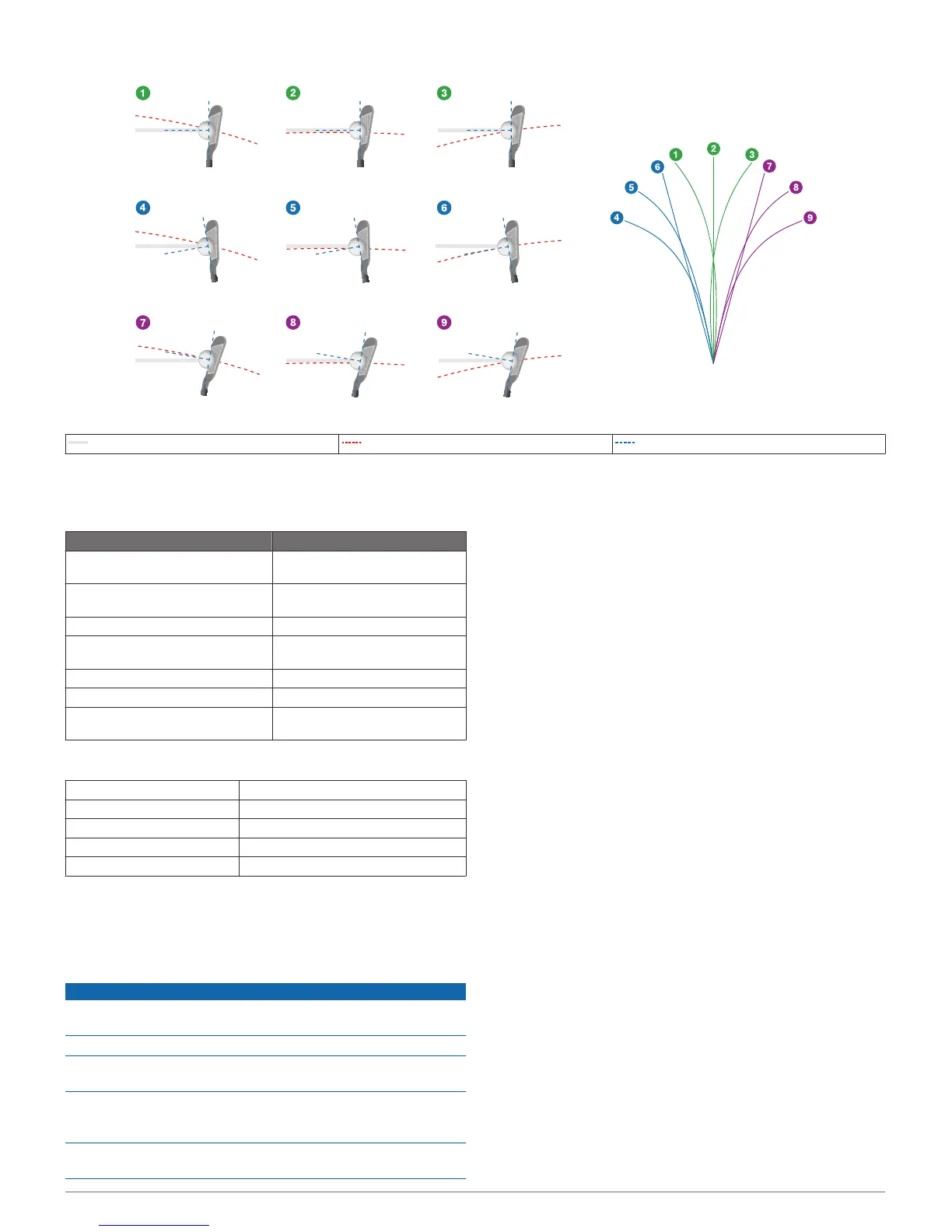
Target Line Club Path Club Face Angle
Device Information
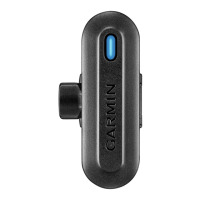
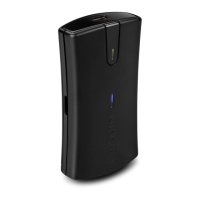
Status LEDs
LED Activity Status
Flashing red (for 5 seconds after
turning on)
The battery is low.
Flashing red (connected to a power
source)
The device is charging.
Solid red (after swinging) A swing was recorded.
Solid red (connected to a power
source)
Charging is complete.
Alternating red and blue The device is in pairing mode.
Solid red and blue A software update is in progress.
Flashing blue The device is paired with a
compatible mobile device.
Specifications
Battery type Rechargeable Lithium-ion battery
Battery life Up to 12 hr.
Operating temperature range From -10º to 60ºC (from -14º to 140ºF)
Charging temperature range From 0º to 40°C (from 32º to 104°F)
Water resistance IEC 60529 IPX7*
*The device withstands incidental exposure to water of up to 1 m
for up to 30 min. For more information, go to www.garmin.com
/waterrating.
Device Care
NOTICE
Avoid extreme shock and harsh treatment, because it can
degrade the life of the product.
Do not use a sharp object to clean the device.
Avoid chemical cleaners, solvents, and insect repellents that can
damage plastic components and finishes.
Do not store the device where prolonged exposure to extreme
temperatures can occur, because it can cause permanent
damage.
Secure the weather cap tightly to prevent damage to the USB
port.
Getting More Information
• Go to www.garmin.com/golf.
• Go to http://buy.garmin.com, or contact your Garmin dealer
for information about optional accessories and replacement
parts.
Setting Up Garmin Express
™
1
Connect the device to your computer using a USB cable.
2
Go to www.garmin.com/express.
3
Follow the on-screen instructions.
Support and Updates
Garmin Express provides easy access to these services for
Garmin devices.
• Product registration
• Product manuals
• Software updates
• Data uploads to Garmin Connect
4 Device Information





 To Next Page