Introduction
WARNING
Read all instructions carefully before installing and using the
Vector system. Improper use could result in serious injury.
See the Important Safety and Product Information guide in the
product box for product warnings and other important
information.
NOTE: For more information, go to www.garmin.com/manuals
/vector3 or www.support.garmin.com.
Thank You
Thank you for your Vector 3 or Vector 3S purchase. This manual
covers both Vector systems.
Vector was designed for cyclists, by cyclists, to provide an
outstanding experience of owning a precision power
measurement system for your bike.
Vector is simple, accurate, and easy to use.
Now it's time to put the power under your feet and get out there
and ride.
Getting Started
1
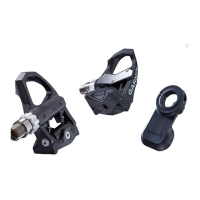
Install the Vector components (Installing the Vector
Components, page 1).
2
Install the shoe cleats (Installing the Shoe Cleats, page 1).
3
Pair the Vector system with your Edge
®
device (Pairing
Vector with Your Edge 1030, page 2).
4
Go for a ride (Your First Ride, page 2).
5
View your history (Vector Data, page 3).
6
Send your history to your computer (Sending Your Ride to
Garmin Connect, page 3).
Tools Needed
• 15 mm pedal wrench
• Bike grease
• 3 mm hex key
• 4 mm hex key
Installing the Vector Components
The installation steps for the Vector 3 and Vector 3S systems
are very similar. Procedures that are specific to the Vector 3S
system are noted.
Preparing for the Installation
1
Remove the existing pedals.
2
Clean the threads, and remove old grease.
Installing the Pedals
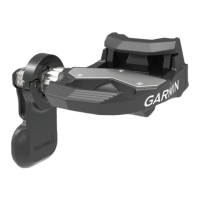
This procedure is for the Vector 3 system. The Vector 3S system
installation is the same, but the power sensor components are in
the left pedal only. For more information, see About the Vector
3S System, page 2.
1
Install the right pedal first.
2
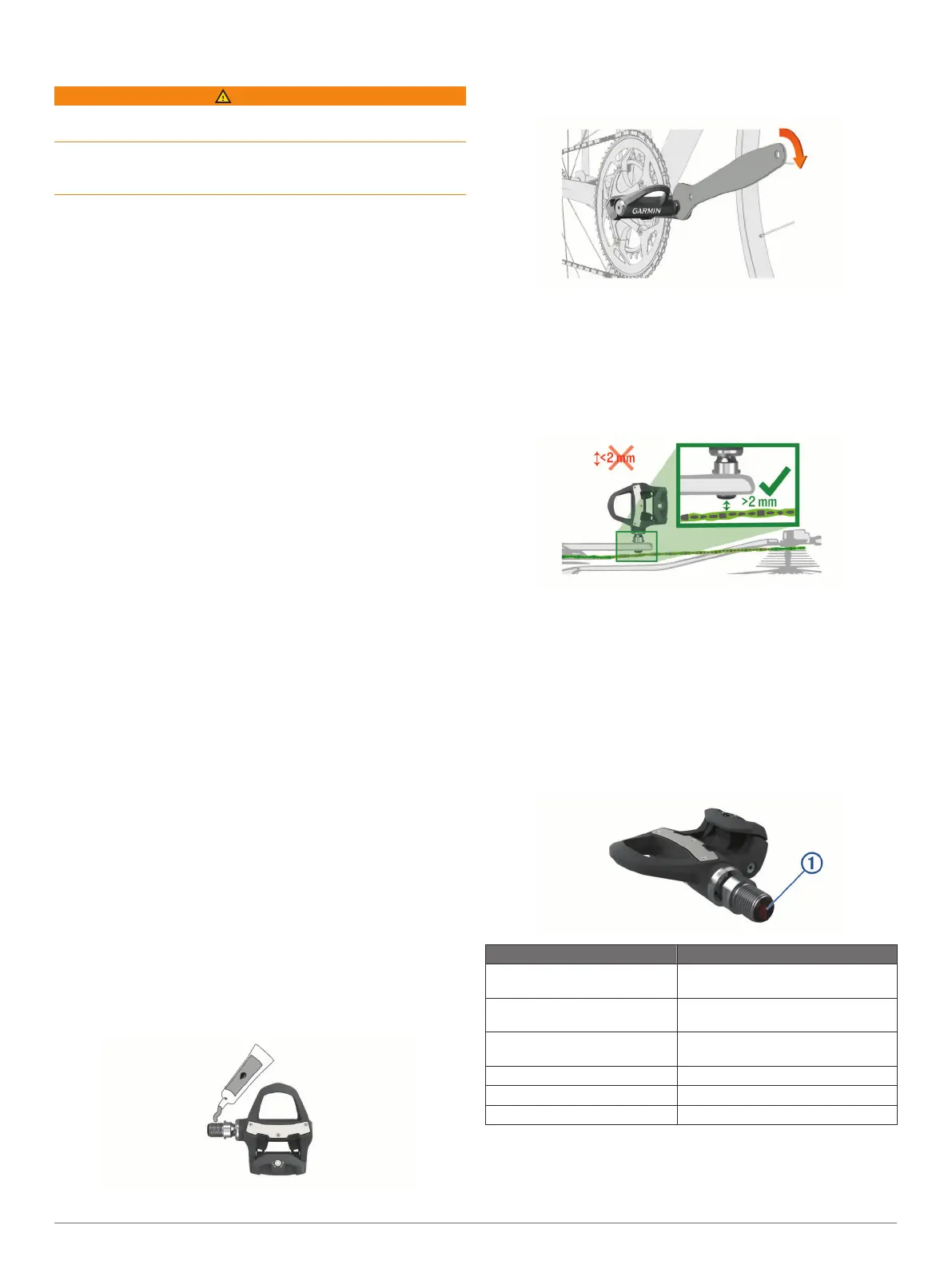
Apply a thin layer of grease on the pedal spindle threads.
3
Insert the spindle into the crank arm.
4
Hand tighten the spindle.
5
Use the pedal wrench to tighten the spindle.
NOTE: Garmin
®
recommends torque of 25 lbf-ft. (34 N-m).
6
Repeat steps 2 through 5 to install the left pedal.
NOTE: The left pedal spindle has a left-handed (reverse)
thread.
7
Move your bike chain to the largest chain ring and the
smallest cassette gear.
8
Rotate the crank arm to check for clearance.
NOTE: Garmin recommends 2 mm or more between the
pedal and the chain. If the pedal rubs the chain, you can add
one washer (included) between the spindle and the crank
arm to increase clearance. To maintain an equal q factor, you
can add one washer to the left pedal spindle. Do not use
more than one washer on each pedal.
Pedal Status LED
LED flashes indicate a system issue that requires your attention.
Error codes are cleared after the issue is resolved and you have
synced your Vector system with the Garmin Connect
™
Mobile
app or your Edge device. The LED is located on the inboard of
the spindle
À
.
LED Activity Status
1 red flash The Vector system is active and
working properly.
3 green flashes every 10
seconds
The pedal is searching for the other
pedal.
Alternating red and green
flashes
A software update is in progress.
20 green flashes The software update was successful.
20 red flashes The software update failed.
1 red flash every 10 seconds The pedal batteries are low.
Installing the Shoe Cleats
NOTE: The left and right cleats are the same.
1
Apply a thin layer of grease on the cleat bolt threads.
Introduction 1







 To Next Page