7
CartManager User Manual
7. Press and release the remote control Green button and look for the red power indicator on the
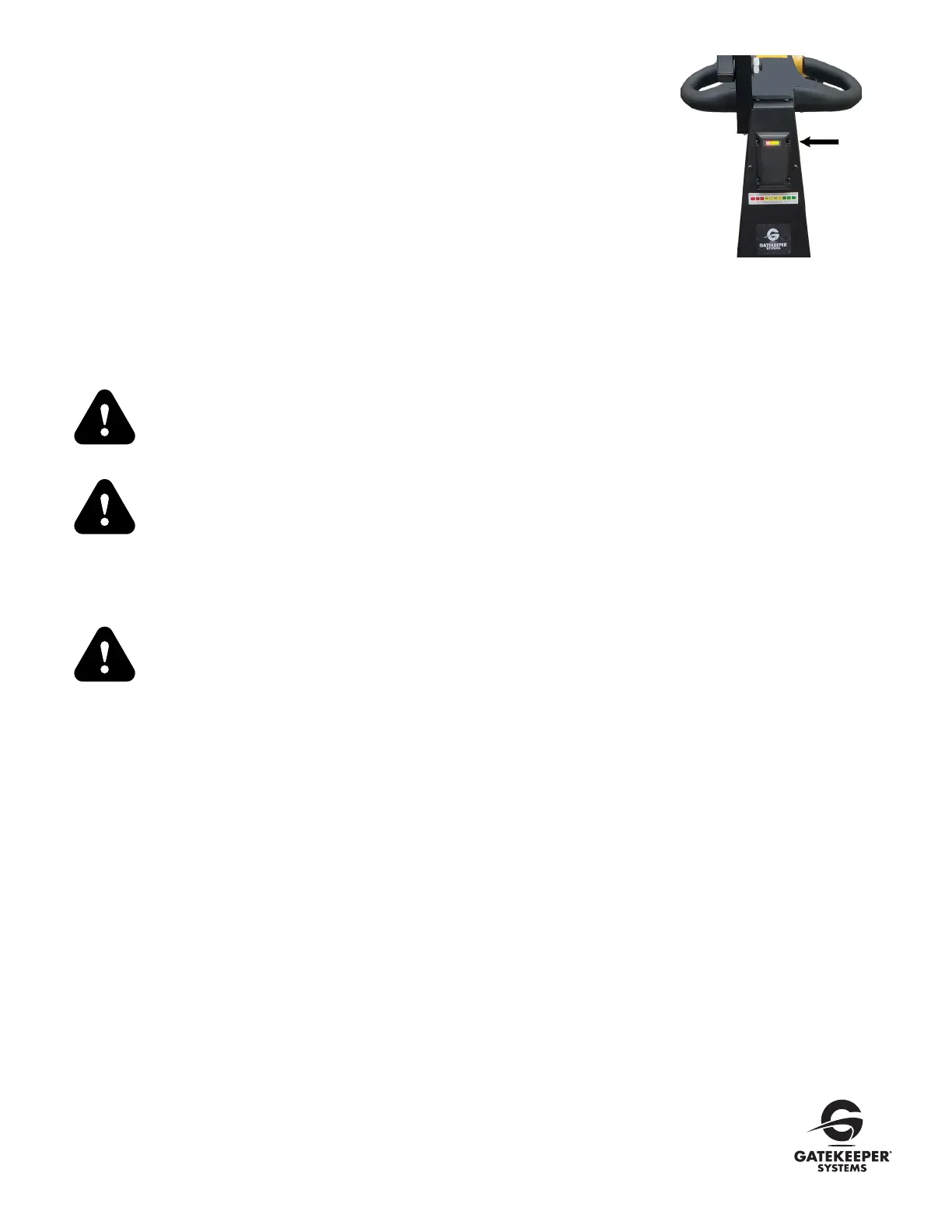
Remote to light up when the button is depressed. The Battery Level Indicator would now display the
main battery’s charge level and driving is now enabled. One to ten vertical bars may be displayed,
each representing 10% of the battery capacity (see photo right). If the CartManager Ultra does not
respond and the red power indicator on the remote control fails to light, see
Remote Control Issues
under
Troubleshooting
.
8. Check the Battery Level Indicator. If the level is less than 2 bars, turn the CartManager Ultra OFF,
plug the Power Cord into a standard electrical outlet and recharge for at least four hours. If the
CartManager Ultra will not power up or move, turn the unit OFF and notify your supervisor.
Keyless Operation for CartManager Ultra
A key is not required for the CartManager Ultra—the Remote acts as a key. Any time the Remote moves out of the remote range the
CartManager Ultra will stop working, until it is brought back in range and can communicate with the Cartmanager Ultra.
A lost remote is similar to a lost key since the CartManager Ultra cannot be operated
without it. If CartManager Ultra must be pushed, pull the Brake Rod / Ball Knob and
push the CartManager to the desired location.
If one LED bar is scrolling on the battery level indicator, press Green button on the
remote to operate CartManager Ultra.
Using CartManager Ultra – Manual Mode (Driving with the throttle knobs)
Use manual mode when moving the CartManager Ultra with no carts attached. DO NOT
use manual mode if you have more than one cart attached unless you have two persons:
one to operate the CartManager Ultra and a second to steer the carts from the front of
the cart line. NEVER attempt to steer a line of carts using just the throttle knobs.
Once the Pre-Checklist has been performed:
1. Stand behind the CartManager Ultra and verify the Brake Rod / Ball Knob is all the way in. It must be pushed all the way in to use the
throttle knobs or the Remote control to drive the CartManager Ultra.
2. Flip the Power Switch to ON position The Strobe Light will begin to flash.
3. Press the Green button on the Remote.
4. Press the Horn button to alert people in the area that you are going to be moving.
5. By grasping both the handles with your hands and placing your thumbs onto the throttle knobs, slowly rotate the throttle knobs in a
forward direction to move the CartManager Ultra forwards, by rotating the throttle knobs in a backwards direction it will move the
CartManager Ultra in a backwards motion.The farther you rotate the throttle knobs, the faster the unit will move. Release the throttle
knob and the CartManager Ultra will stop. Top speed is matched to a fast walk.
NOTE: To conserve the battery, if unit is inactive for a minute, CartManager Ultra will go to sleep mode, press the Green button on remote to
enable driving.
Battery
Level
Indicator



 To Next Page
 Loading...