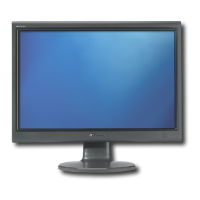
Connecting the monitor
www.gateway.com
3
4 Make sure that your computer is turned off, then connect the other end
of the video cable to the matching video port on the back of your
computer.
5 Plug the power cord into a correctly grounded electrical outlet.
Warning
Because lifting your monitor off the
desktop surface takes weight off from the
stand, the stand will extend suddenly,
possibly causing damage to equipment
or injury to yourself.
To avoid injury, always lift the monitor so
that the stand adjusts to its full height
before moving the monitor or turning it
around.
8511460.book Page 3 Thursday, April 6, 2006 2:32 PM



 To Next Page