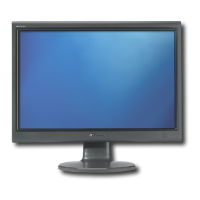
Using Your Gateway Flat Panel Monitor www.gateway.com
2
Connecting the monitor
To connect the monitor:
1 Position your computer and the monitor so you can reach the back of each.
2 Connect the power cord to the power connector under the back of the
monitor.
3 Connect the blue VGA video cable to the blue video connector under the
back of the monitor.
- OR -
If your computer has a digital video connector (DVI), connect a DVI video
cable (not included) to the white connector under the back of the monitor.
You can buy a DVI video cable from www.gateway.com
.
8511460.book Page 2 Thursday, April 6, 2006 2:32 PM



 To Next Page