22
www.gateway.com
Using Your Gateway Flat Panel Monitor
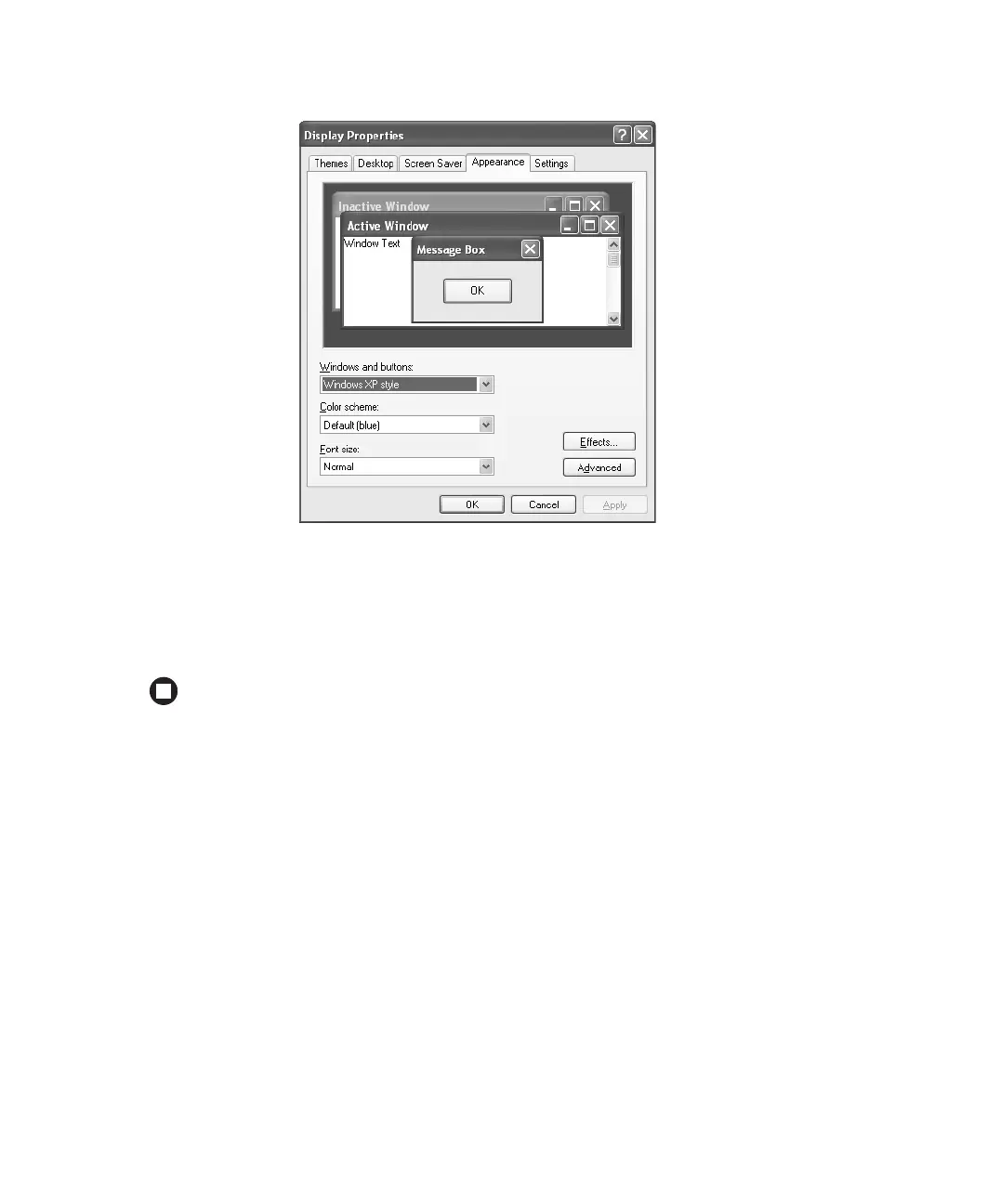
2 Click the Appearance tab.
3 Click the Effects button. The Effects dialog box opens.
4 Click to select the Use the following method to smooth the edges of screen type check
box, click the arrow to open the list, then click
ClearType.
5 Click OK.



 To Next Page