Getting to know your computer - 21
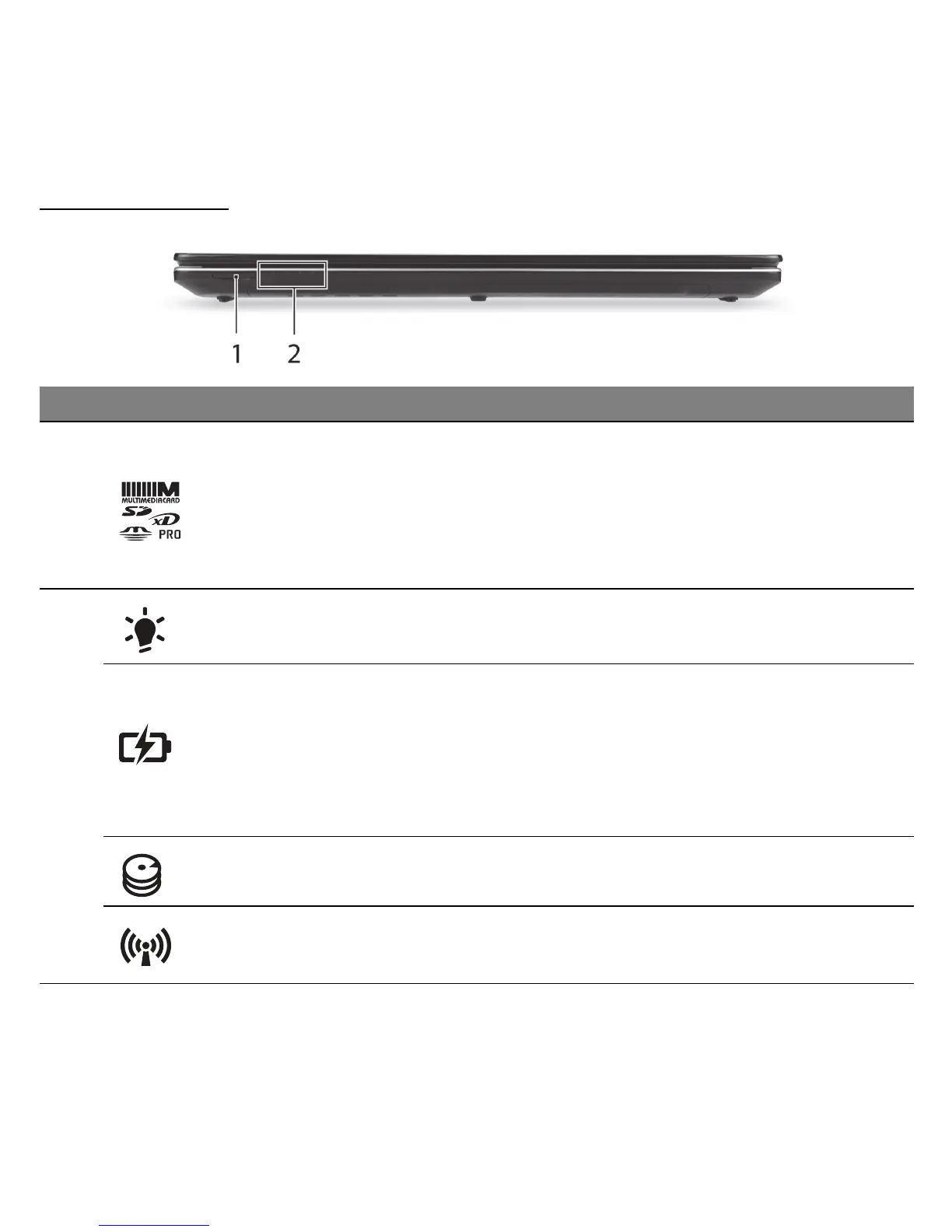
FRONT VIEW
- Note: The front panel indicators are visible even when the computer cover is closed.
# Icon Item Description
1 Multi-in-1 card reader
Accepts Secure Digital (SD), MultiMediaCard
(MMC), Memory Stick PRO (MS PRO), xD-
Picture Card (xD).
- Push to remove/install the card. Only one
card can operate at any given time.
2
Power indicator Indicates the computer's power status.
Battery indicator
Indicates the computer's battery status.
- Charging: The light shows amber when the
battery is charging.
- Fully charged: The light shows blue when in
AC mode.
HDD indicator Indicates when the hard disk drive is active.
Communication
indicator
Indicates the computer’s wireless connectivity
device status.



 To Next Page
 Loading...







