42 - Software
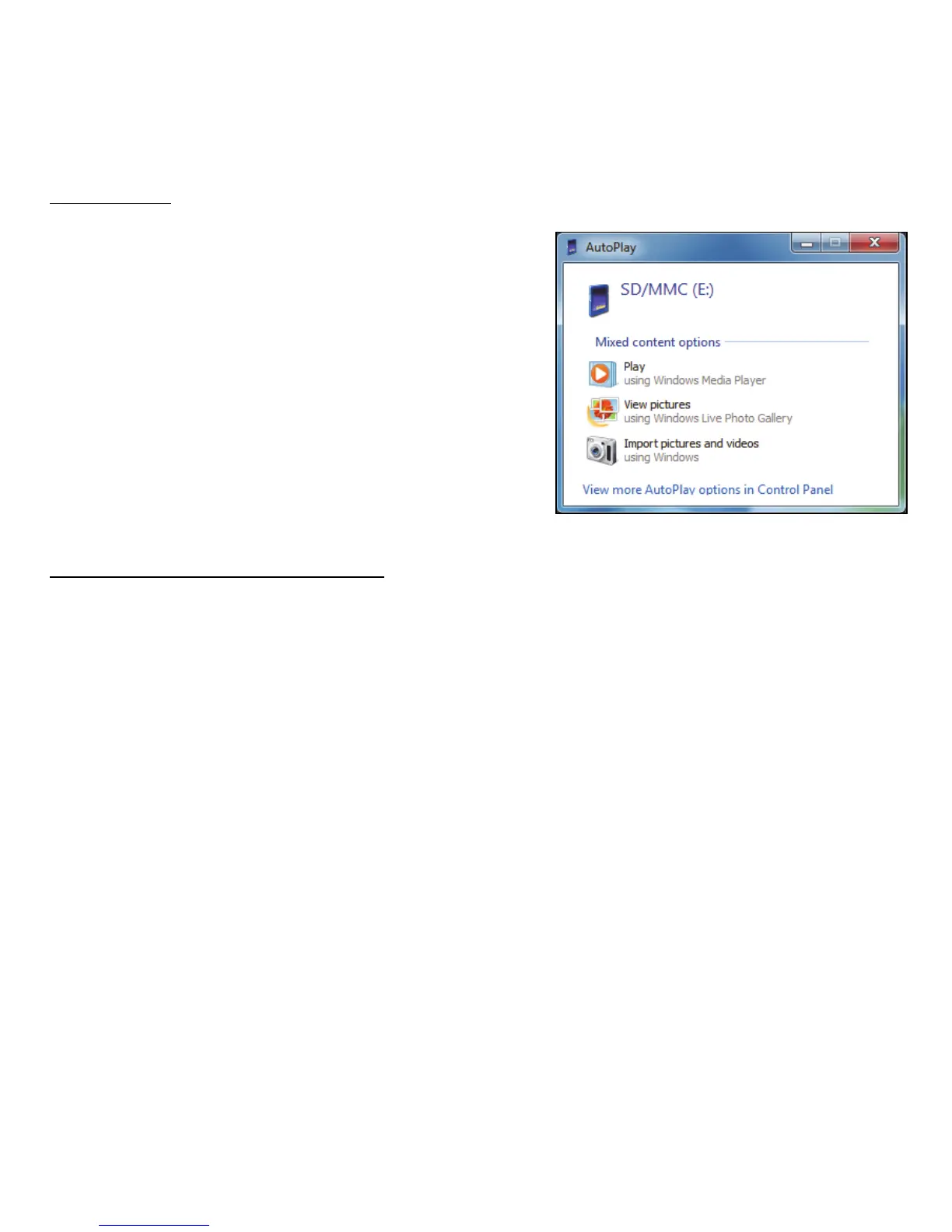
AutoPlay
The Windows AutoPlay function allows
you to choose the way Windows handles
media files on devices with removable
storage (digital camera, etc).
If you have inserted a disk that contains
files (such as a USB key or memory card),
Windows will display a dialog box and ask
you to choose how you want to open the
files.
Playing downloaded files
Downloaded files may work with the media programs installed on your
computer, or may require specific programs. Files that include DRM
functions may only play in specific programs (e.g. iTunes, Windows Media
Player) or only on devices certified for use with the each type of file.



 To Next Page
 Loading...







