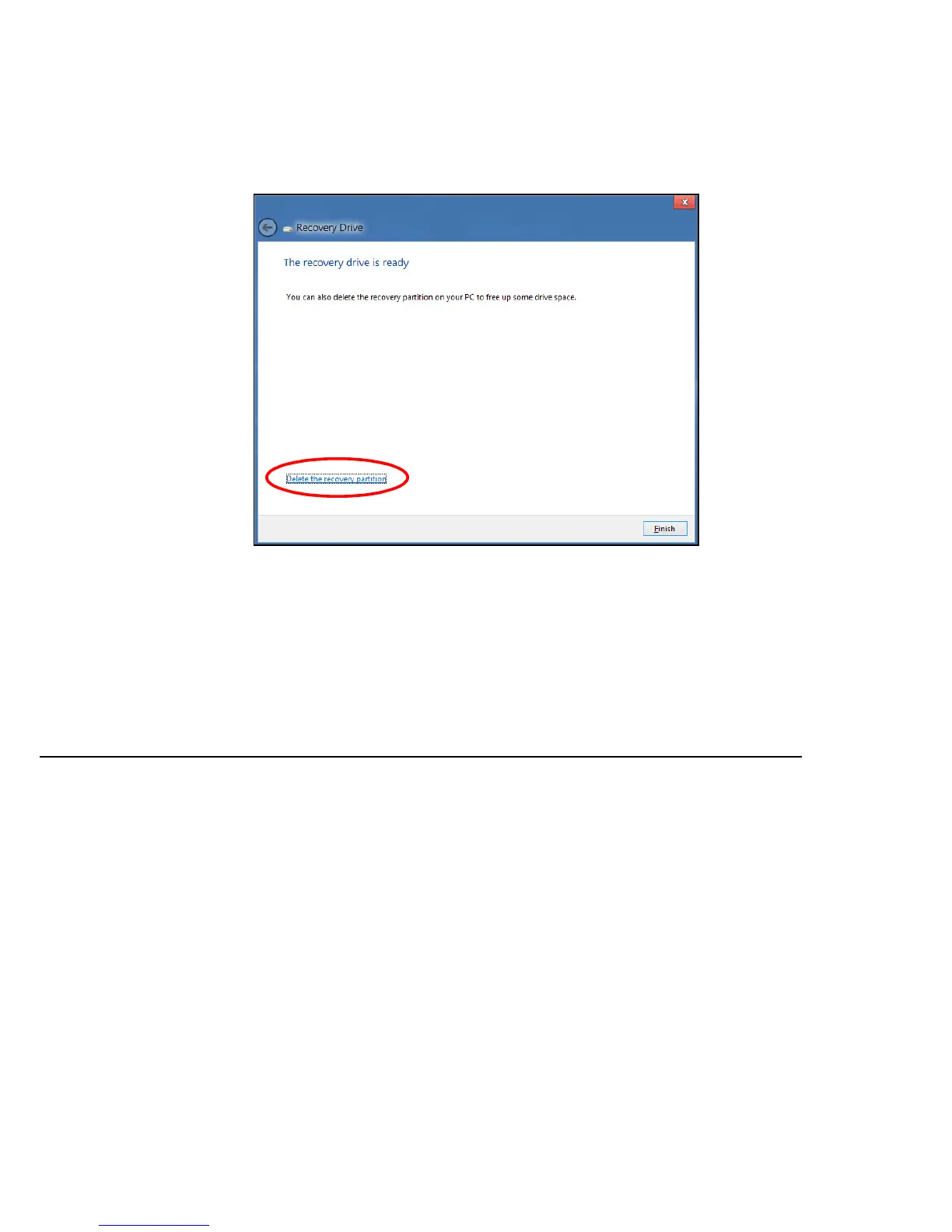
Recovery - 67
7. Unplug the USB drive and label it clearly.
Important: Write a unique, descriptive label on the backup, such
as 'Windows Recovery Backup'. Make sure you keep the backup
in a safe place that you will remember.
CREATING A DRIVERS AND APPLICATIONS BACKUP
To create a Drivers and Applications Backup, that contains the factory-
loaded software and drivers needed by your computer, you may use either



 To Next Page