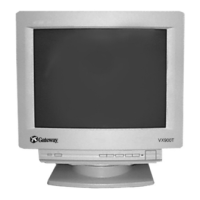
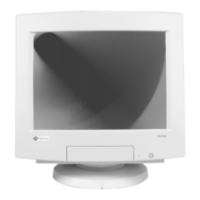
5
www.gateway.com
Setting up the monitor
Removing the base
To remove the base:
1 Turn off your computer, then disconnect the monitor’s power cable.
2 Carefully set the monitor on its side with the bottom of the monitor facing you.
3 Rotate the base so you can easily get to the retaining latch on the bottom of the
monitor, then press in the retaining latch.
4 While pressing in the latch, slide the base toward the back of the monitor, then remove
the base.



 To Next Page