10
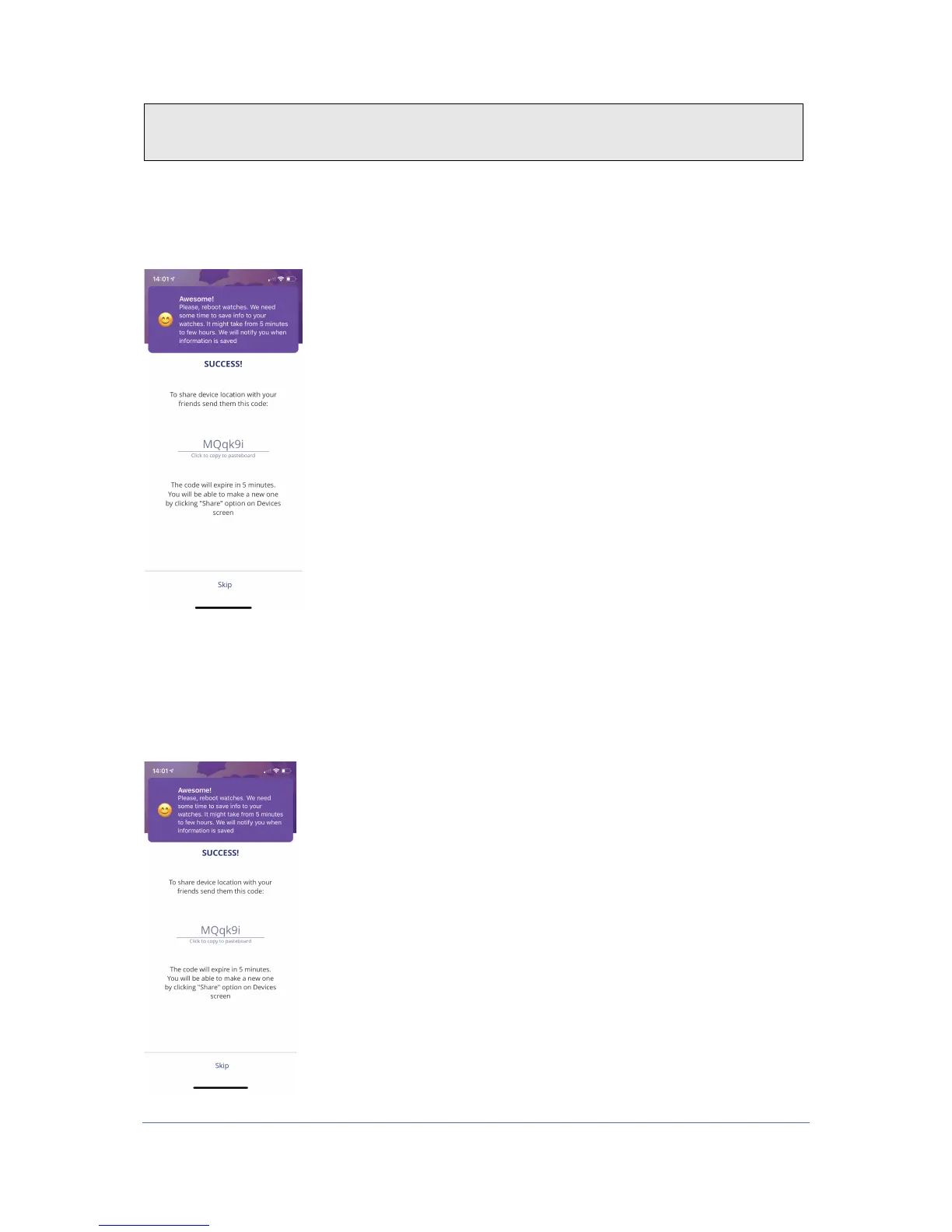
1. Now you've added your device, and then you can share this code with someone else,
if you want more people to add the time to their app.
2. In order for someone else to add the time to the app, follow the same recipe as this
and enter this code as they receive from you when they are notified.
3. Once you have added the watch and turned it on, by holding the top button to the
right (on the watch), you get to the home screen of your devices.
4. You can also find this code by pressing the three dots on the right side of the home
screen of the app, next to the battery icon, and press «share». Then there will be a
new code that others can use to add the watch to their app. This code only works for
5 minutes at a time.



 To Next Page