Vacuum 40
Maintenance guide – Appearance cleaning
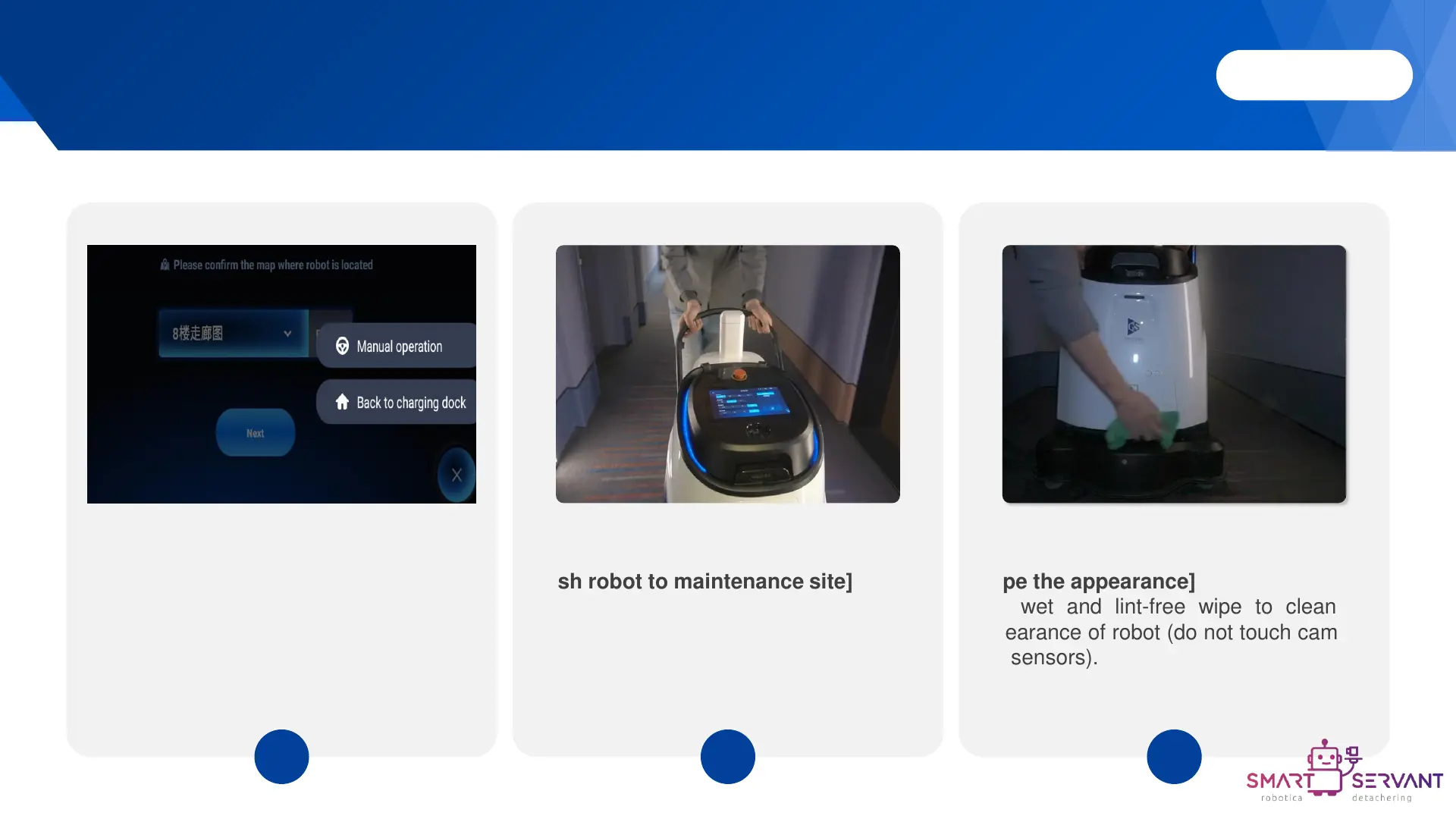
[Wipe the appearance]
Use wet and lint-free wipe to clean the
appearance of robot (do not touch cameras
and sensors).
3
[Switch robot to manual mode]
Click the float button in the lower right
corner and select manual operation.
1
[Push robot to maintenance site]
2



 To Next Page