EasyManua.ls Logo

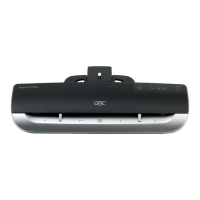
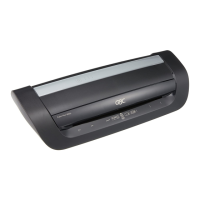
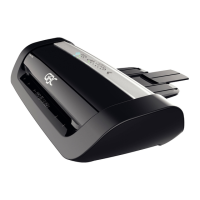
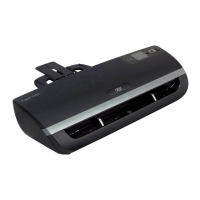
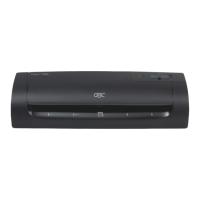
GBC FOTON 30 Automated Laminator - User Manual

GBC FOTON 30 Automated Laminator
48 pages
Print Icon
To Next Page IconTo Next Page
Loading...
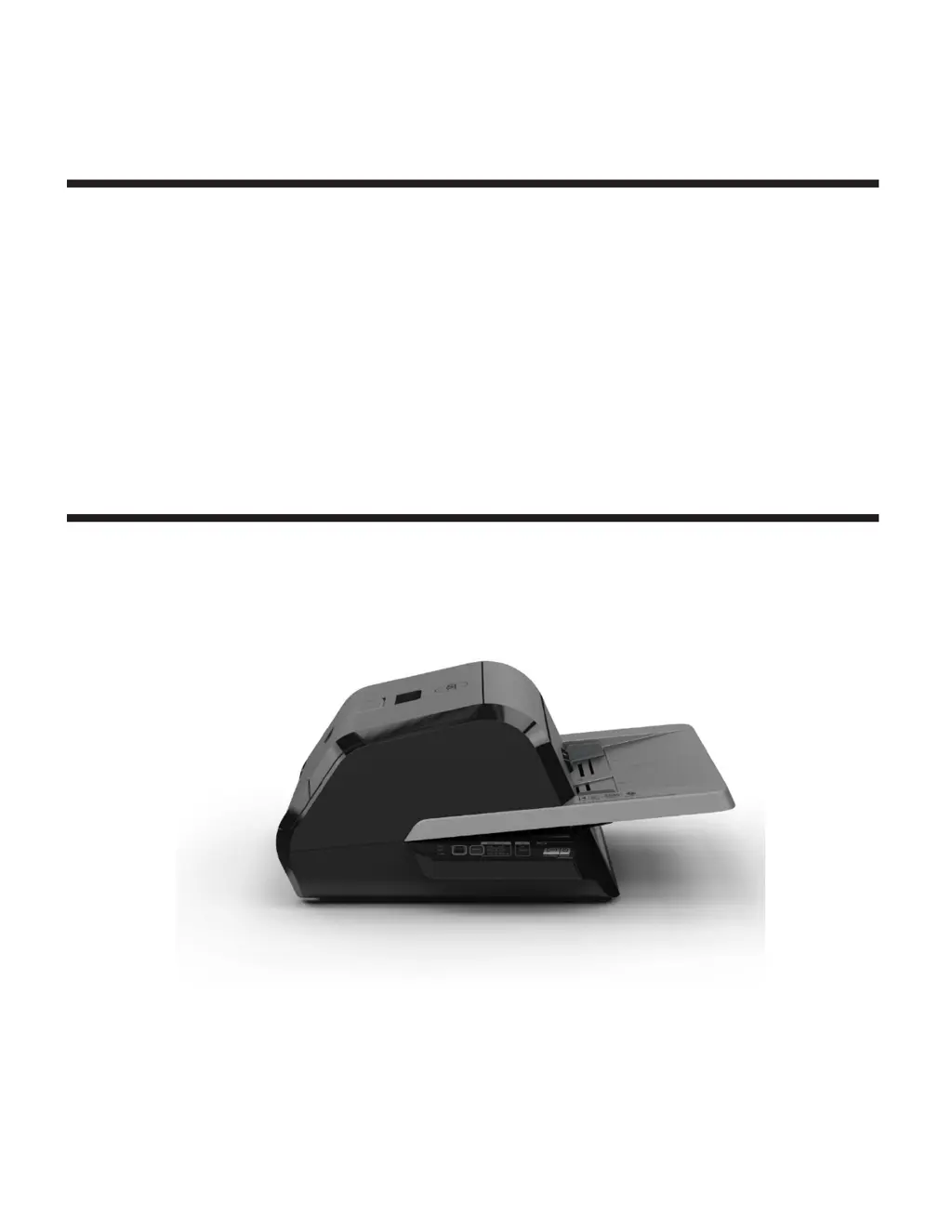
GBC FOTON 30
AUTOMATED LAMINATOR
INSTALLATION & OPERATION MANUAL
Document Number: CBT10000 Rev B
Do not duplicate without written
permission
from ACCO
Brands

Questions and Answers

  • S
    Sandy PetersonJul 27, 2025
    How to fix film wrinkles on GBC FOTON 30 Automated output?
    • S
      Samuel PerezJul 27, 2025
      If you notice film wrinkles on the output, it might be due to film misalignment. To resolve this, press and hold the RUN button to manually advance the film. Continue until 5 to 20 inches of film has been advanced, which should eliminate the wrinkle. If the wrinkle disappears, press the manual cut button. If wrinkles persist, open the laminator door, grasp the film exiting the laminator, hold it taut while closing the door, and repeat the advancing step.
  • J
    Jasmine SimmonsAug 1, 2025
    What to do if pressing the power button does not turn on my GBC FOTON 30 Automated?
    • R
      Rebecca GarciaAug 2, 2025
      If pressing the power button doesn't turn on the machine, the power cord may not be fully inserted into the outlet. Make sure to fully insert the plug into the outlet and verify that the outlet has power.
  • R
    Ralph ChenAug 6, 2025
    What to do if my GBC FOTON 30 Automated is experiencing frequent mis-feeds?
    • J
      Joshua MooreAug 6, 2025
      If your laminator frequently mis-feeds, it could be that the rollers are slipping on the media. Try fanning the media or using a paper jogger before feeding it. If the problem continues, switch to the Manual Feed / Auto Cut mode. If mis-feeds still occur, use the Manual Feed / Auto Cut operation mode and manually feed the media one sheet at a time.
  • M
    Micheal ThomasAug 11, 2025
    What causes uneven film edges on my GBC Laminator?
    • J
      James Rios MDAug 11, 2025
      Uneven film edges usually mean that the top and bottom rolls of film are not matched properly. To fix this, press and hold the RUN button to manually advance the film for about 5 inches (125 mm). Then, grasp the film exiting the laminator and hold it taut while closing the laminator door.
  • J
    johnsonstephanieAug 16, 2025
    Why are documents skewed in the film when exiting my GBC FOTON 30 Automated Laminator?
    • S
      stephensmichaelAug 16, 2025
      Documents skewing in the film upon exit is often due to skewed feeding. Before loading paper, try tapping the leading edge of the paper on a flat surface, and then repeat with the bottom or top edge to properly square your paper. When inserting your media in the auto feeder, slide the edge guide up to the edge of your media.
  • A
    Andrew SotoAug 22, 2025
    How to prevent frequent double feeds in my GBC FOTON 30 Automated Laminator?
    • J
      jessicaclarkAug 22, 2025
      Frequent double feeds may occur if the paper has heavy static. Try fanning the media or placing it in a paper jogger before feeding it into the laminator. If the issues persist, use the Manual Feed / Auto Cut mode.

Summary

Safety Precautions

General Safety Precautions

Essential safety rules for operating the laminator, including keeping body parts away from moving parts.

Electrical Safety Precautions

Details on connecting the laminator to a power source and electrical safety precautions to prevent shock or fire.

Warranty Information

Limited Warranty Details

Outlines the terms and conditions of the product's limited warranty, including coverage and exclusions.

Specifications Overview

Model and Basic Specs

Lists model, operating speeds, warm-up time, and film/document size limits.

Media Handling and Operation

Details auto/manual feeder media weight, auto shut-off, and duty cycle.

Electrical and Physical Details

Covers electrical requirements, fuse, and machine dimensions for setup.

Installation and Maintenance

Service and Support

Instructions for contacting customer service for troubleshooting and repairs.

Setup Procedure

Step-by-step guide for setting up the laminator, including placement and power connection.

Routine Cleaning

Details on the routine maintenance required for the laminator's rollers.

Feature Guide

Laminator Components Overview

Provides an overview of the laminator's key parts like feed tray, doors, rollers, and trimmer.

Control Panel and Indicators

Details the functions of buttons (Power, Run/Stop), mode selection, and status indicator lights.

Film Cartridge Handling

Explains how to identify, load, remove, and manage film cartridges.

Operation Guide

Understanding Operating Modes

Details the three primary operating modes: Auto Feed/Auto Cut, Manual Feed/Auto Cut, Manual Feed/Manual Cut.

Auto Feed Operation Guide

Instructions for using the automatic feed and cut function for standard paper sizes.

Manual Feed Operation Guide

Guide for manual feeding with automatic or manual trimming for various paper types.

Loading Film Cartridges

Step-by-step instructions for loading a new film cartridge into the laminator.

Troubleshooting Guide

Power and Indicator Errors

Addresses issues with power not turning on and various red indicator light errors.

Film Output Quality Issues

Solutions for film wrinkles, uneven edges, and skewed documents in the output.

Feeding and Jam Errors

Troubleshooting steps for double feeds, mis-feeds, and paper jams.

Cutter Malfunctions and Film Alignment

Guidance for resolving cutter issues and film alignment problems.

GBC FOTON 30 Automated Laminator Specifications

General IconGeneral
BrandGBC
ModelFOTON 30 Automated Laminator
CategoryLaminator
LanguageEnglish

Related product manuals