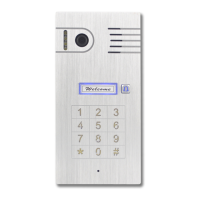
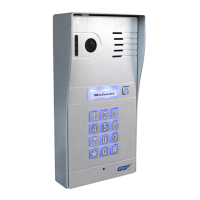
WELCOME
Congratulations on purchasing the GBF PL960 Series
to enable multiple security camera monitoring
through smart handheld devices and now have used
that expertise to bring you a full-featured IP Video
Doorbell system that allows you to monitor and interact
with visitors at your door, from anywhere your mobile
device has a Wi-Fi or data connection. Please read these
instructions carefully and follow all of the required steps
during setup to ensure your enjoyment of a fully
functional IP Doorbell system in minutes. You may connect
the PL960 Series of IP Doorbells to your LAN (Local Area
Network) either through a Wireless (Wi-Fi) connection or
a Wired (Ethernet Cable) connection. As with any video and
audio streaming device, wired connections are preferred
over Wi-Fi, but the convenience of not requiring wires from
your IP Doorbell location to your router may be the
determining factor in your installation.
Notes: GBF IP doorbell system only works with 2.4G hz
WiFi, not 5G hz WiFi.


 To Next Page