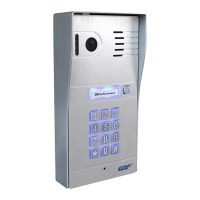
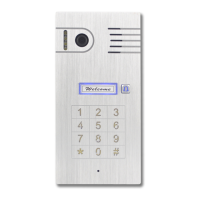
2. Configuration Preparations
Begin by performing a factory reset of the settings in your IP
Doorbell. To reset the device to factory default setting, follow these
steps;
1. Connect the WiFi antenna with outdoor station or connect your Router
directly to the IP Doorbell with an ethernet cable.
2. This device has a Poe built-in, you could directly power this device with RJ45
cable through POE switch. Or use the power adapter in the package to
power this device. It requires 12V DC 1A power supply to work properly.
3.
Within 30 seconds, press and hold the ‘Reset’ button on the back
of the device for 15 seconds until you hear 3 beeps sound.
Then release the reset button.
*NOTE: Performing a factory reset erases settings stored during the
configuration process. Do not perform a factory reset after you have
configured the IP Doorbell unless absolutely necessary.
Downloading the App
To configure and receive calls from the Outdoor Station you need to
download the Doordeer APP. Free
downloading are available on the Google
Play Store (Android) and the
Apple App Store (iOS)


 To Next Page