EasyManua.ls Logo

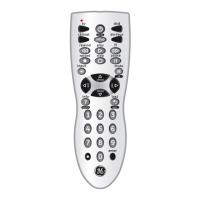
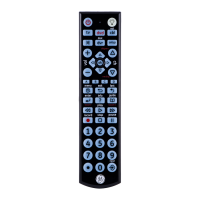
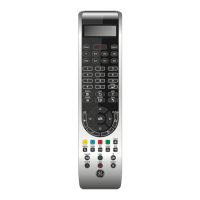
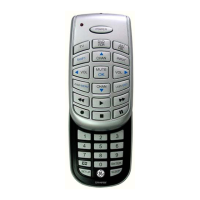
GE 11695 - Button Functions Overview; Device and Playback Controls; Menu, Navigation, and Special Buttons; Audio Controls

GE 11695
32 pages
Print Icon
To Next Page IconTo Next Page
To Previous Page IconTo Previous Page
Loading...
4
input
tv
cbl
aux
dvd
B
A
C
D
list
exit
menu
setup
input
tv
cbl
aux
dvd
B
A
C
D
list
exit
menu
setup
input
tv
cbl
aux
dvd
A
D
list
exit
menu
setup
B
C
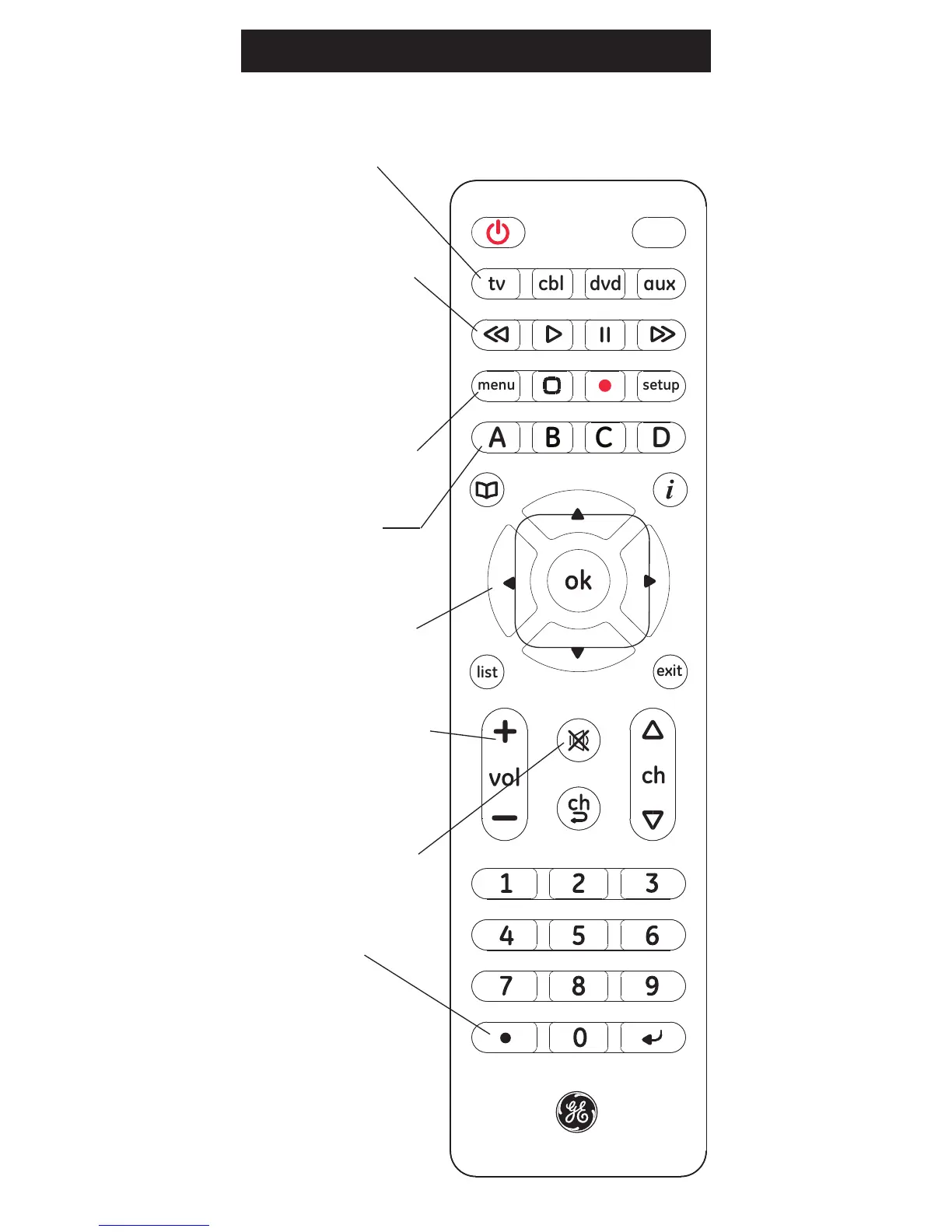
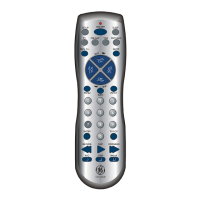
DOT (•) Used
to select digital
channels, e.g., 2.3.
Button Functions
VOLUME UP/DOWN
Changes the volume
level of the device,
normally the TV.
MUTE Turns off the
TV sound while the
picture remains.
UP, DOWN, LEFT &
RIGHT Navigation
buttons.
REW (rewind), FF (fast
forward), PAUSE
Control buttons that
operate your DVR even
when the remote is set
to operate the TV. Also
operates DVD Scan -/+.
TV, CBL, DVD,
AUX
Selects device
to control.
MENU Displays the
Menu on the TV.
A, B, C, D Uses
A, B, C, D functions on
supported devices

Related product manuals