The VCR begins scanning for the available channels--this
takes about one to two minutes. The lowest channel is tuned
once the search is completed. Pressing CHANNEL up or
down now selects the active channels.
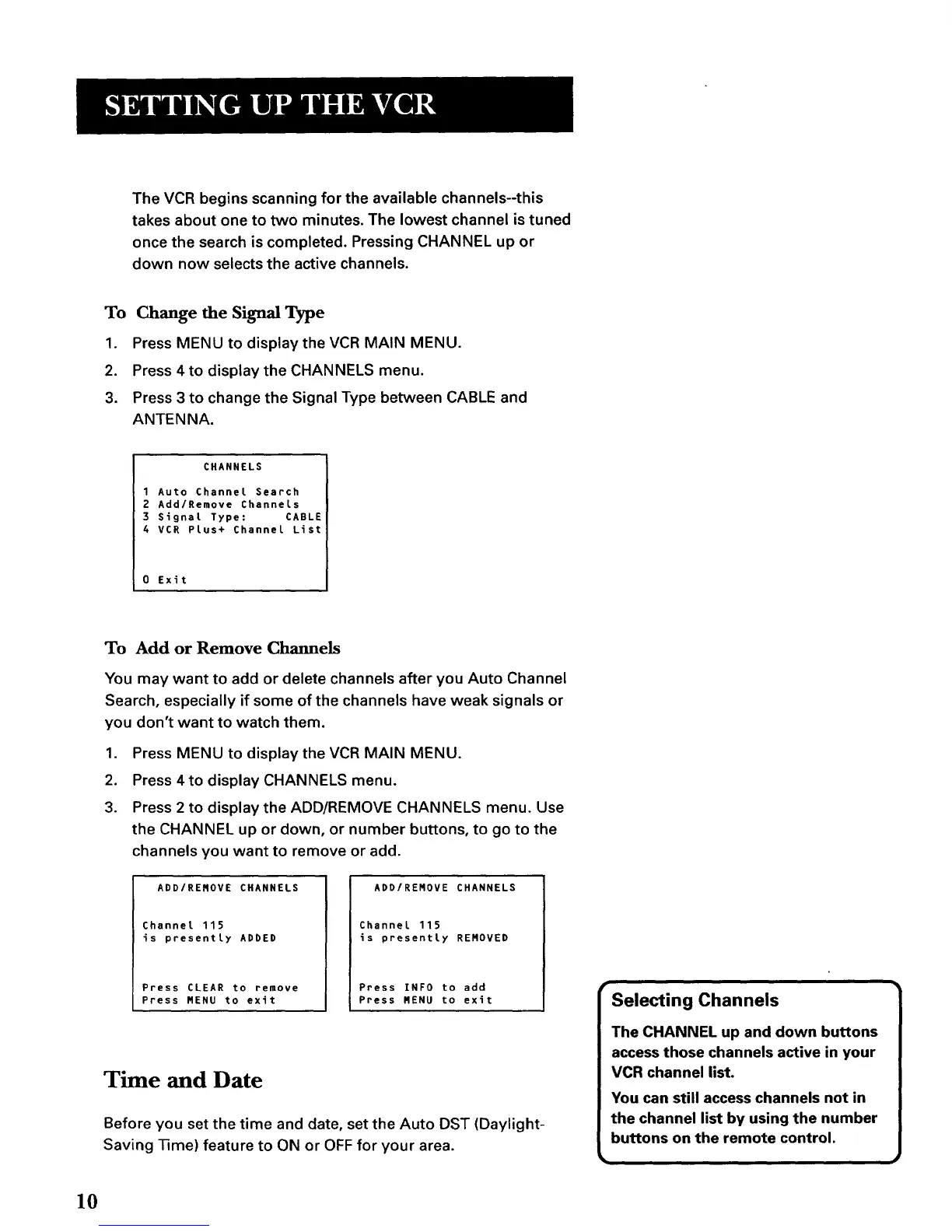
To Change the Signal Type
1. Press MENU to display the VCR MAIN MENU.
2. Press 4 to display the CHANNELS menu.
3. Press 3 to change the Signal Type between CABLE and
ANTENNA.
CHANNELS
I Auto Channel Search
2 AddlRemove Channels
3 Signal Type: CABLE
4 VCR Plus+ Channel List
0 Exit
To Add or Remove Channels
You may want to add or delete channels after you Auto Channel
Search, especially if some of the channels have weak signals or
you don't want to watch them.
1. Press MENU to display the VCR MAIN MENU.
2. Press 4 to display CHANNELS menu.
3. Press 2 to display the ADD/REMOVE CHANNELS menu. Use
the CHANNEL up or down, or number buttons, to go to the
channels you want to remove or add.
ADD/REROVE CHANNELS
Channel 115
Js presently ADDED
Press CLEAR to remove
Press HENU to exit
ADD/REHOVE CHANNELS
Channel 115
Js presently REHOVED
Press INFO to add
Press RENU to exit
Time and Date
Before you set the time and date, set the Auto DST (Daylight-
Saving Time) feature to ON or OFF for your area.
r
Selecting Channels
The CHANNEL up and down buttons
access those channels active in your
VCR channel list.
You can still access channels not in
the channel list by using the number
buttons on the remote control.
10



 To Next Page