3
How To Use Your PC Camera
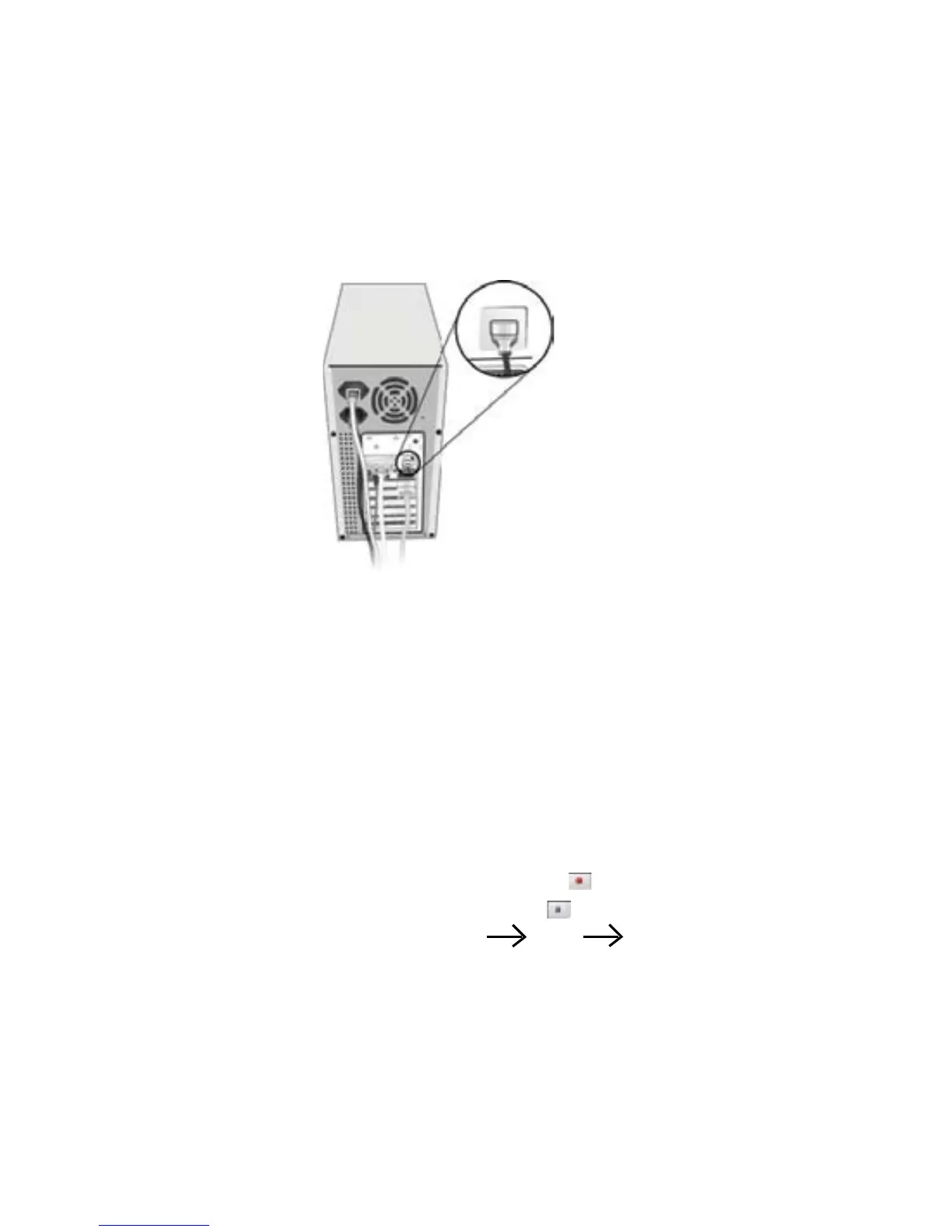
1. Plug PC camera’s connector to the USB port on your computer.
2. Set the Focus
a. Start VideoImpression.
b. Select “Capture Video”
c. Turn the focus ring until image becomes sharp.
3. Video Recording:
a. Start VideoImpression.
b. Select “Capture Video”
c. To start video recording, click on “Record ” .
d. To stop video recording, click on “Stop ”.
e. To save captured video, Produce Drive Microsoft AVI file, type
file name and press ”Start” button


 To Next Page