50
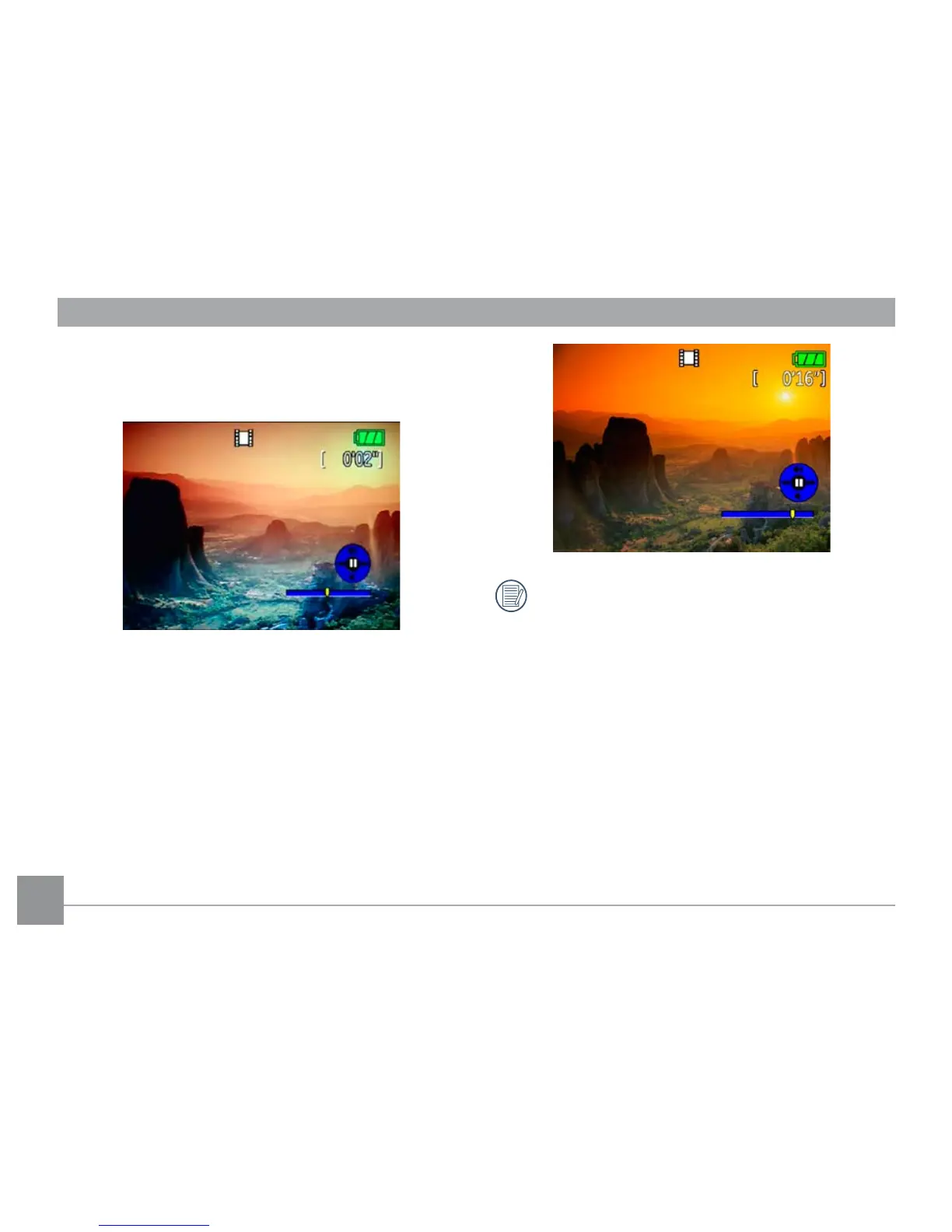
During the video playback, an operation guide appears
on the screen. You can use the navigation pad to per-
form the functions accordingly.
During the video playback, you can use the Up/Down
navigation buttons to adjust the volume of playback.
During the slow motion playback, you can use the
Left/Right navigation buttons to adjust the speed of
playback.
Volume will be muted when using the slow motion
playback.



 To Next Page