6262 63
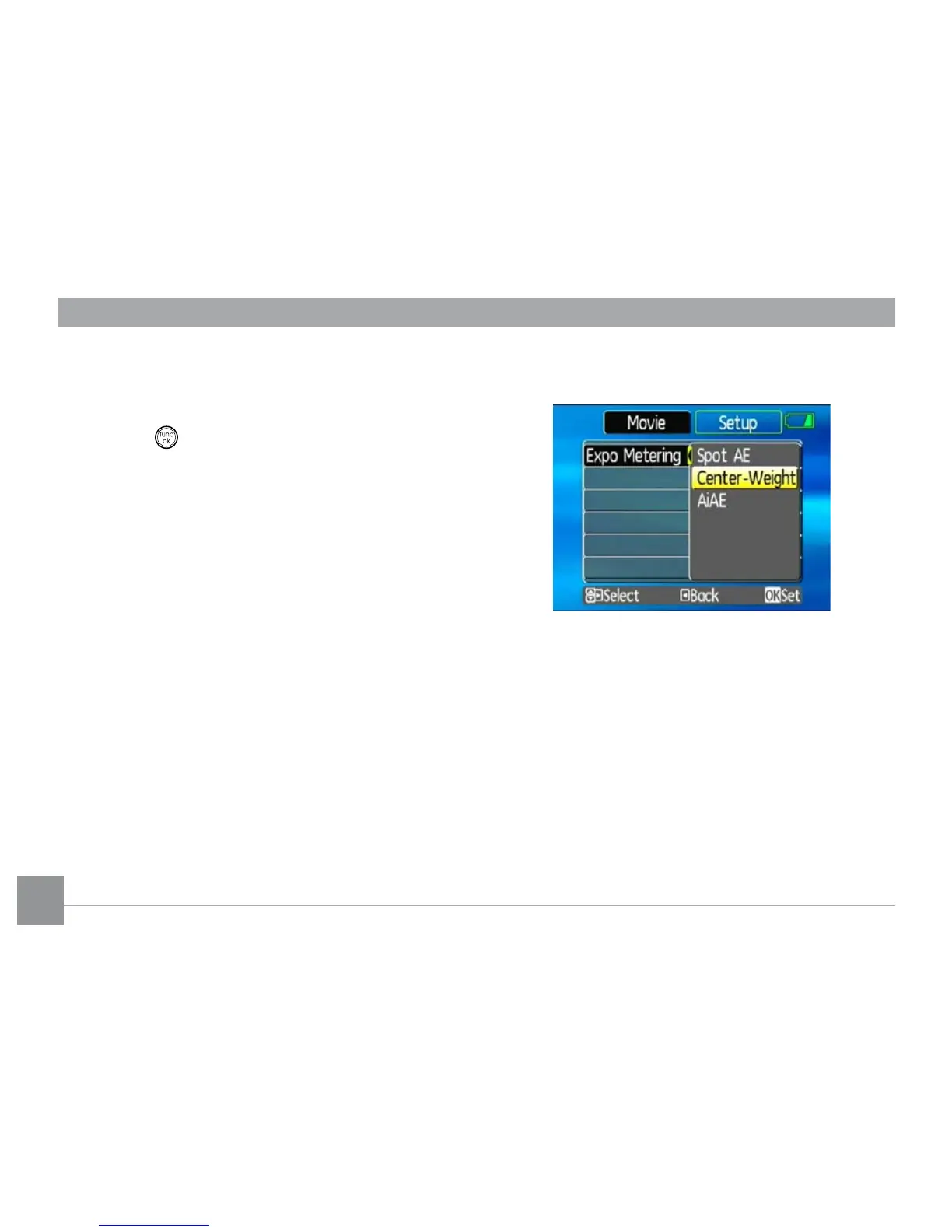
Expo Metering (Exposure Metering)
Set metering mode for various lighting conditions.
Three options are available:
• Spot AE
• Center-Weight
• AiAE (Articial Intelligence AE)
2. Switch between various functions with the
Up/
Down button.
3. Press the
Right button to enter the sub-menu.
4. Press the
button to conrm the setting and exit
the menu.
Refer to the following sections for more detailed infor-
mation on each setting.



 To Next Page