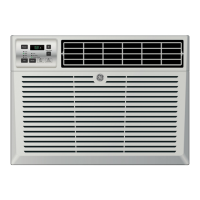
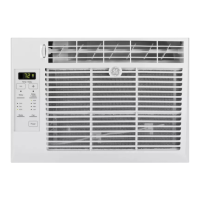
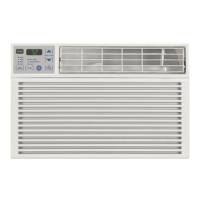
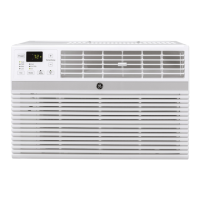
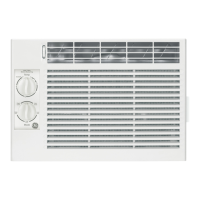
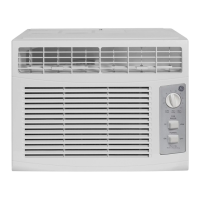
About the controls on the air conditioner.
Features and appearance will vary.
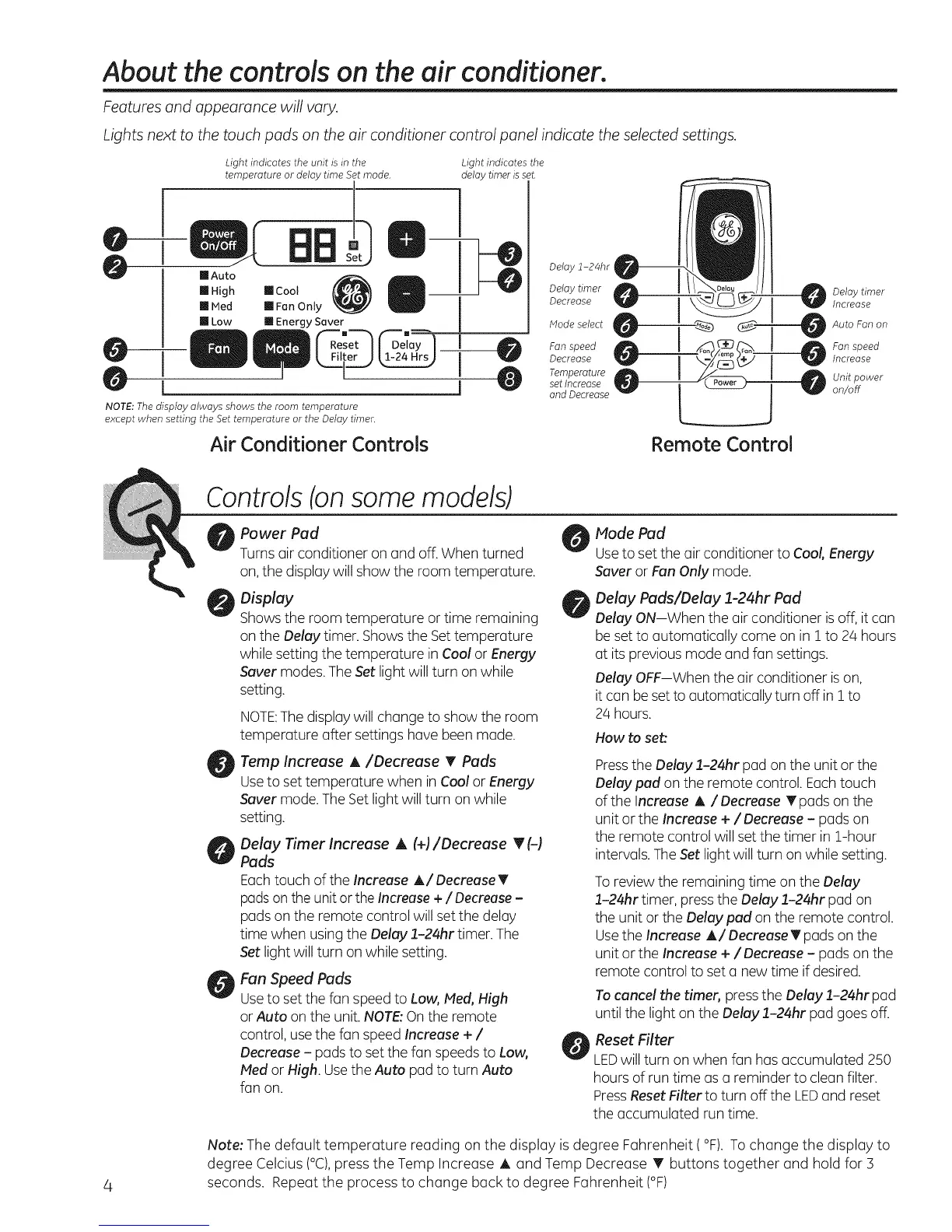
Lights next to the touch pads on the air conditioner control panel indicate the selected settings.
@
0
Light indicates the unit s m the
temperature or delay time Set mode.
0
[] Auto
[] High
[] Hed
[] Low
'a
I
1
Dght indicates the
delay timer is set.
[] Cool
[] Fan Only
[] Energy Saver
NOTE: The display always shows the room temperature
except when setting the Set temperature or the Delay timer.
Air Conditioner Controls
Delay 1-24hr
Delay timer _1 _/_]_ _ ij__ Delay timer
Decrease Increase
Mode select Auto Fan on
Fan speed Fan speed
Decrease Increase
Temperature 0 _ Unit power
set Increase
and Decrease on/off
Remote Control
4
Controls(onsomemodels)
Power Pad
Turns air conditioner on and off.When turned
on,the display will show the room temperature.
Display
Showsthe room temperature or time remaining
on the Delay timer. Showsthe Settemperature
while setting the temperature in Cool or Energy
Saver modes.The Set light will turn on while
setting.
NOTE:Thedisplay will change to show the room
temperature after settings have been made.
Temp Increase A/Decrease T Pads
Useto set temperature when in Cool or Energy
Saver mode.The Set light will turn on while
setting.
Delay Timer Increase A (+)/Decrease T (-)
Pads
Eachtouch of the Increase A/Decrease T
padson the unit or theIncrease +/Decrease -
pads on the remote control will set the delay
time when usingthe Delay 1-24hr timer. The
Setlight will turn on while setting.
Fan Speed Pads
Useto set the fan speed to Low, Meal,High
or Auto on the unit. NOTE:On the remote
control, usethe fan speed Increase + /
Decrease - pads to set the fan speeds to Low,
Mad or High. Usethe Auto pad to turn Auto
fan on.
Mode Pad
Useto set the air conditioner to Cool, Energy
Saver or Fan Only mode.
Delay Pads/Delay 1-24hr Pad
Delay ON-When the air conditioner is off, it can
be set to automatically come on in ! to 24 hours
at its previous mode and fan settings.
Delay OFF--When the air conditioner ison,
it can beset to automatically turn off in ! to
24 hours.
How to set:
Pressthe Delay 1-24hr pad on the unit or the
Delay pad on the remote control. Eachtouch
of the Increase A / Decrease T pads on the
unit or the Increase + /Decrease - pads on
the remote control will set the timer in 1-hour
intervals. TheSet light will turn on while setting.
Toreview the remaining time on the Delay
:L-24hrtimer, pressthe Delay 1-24hr pad on
the unit or the Delay pad on the remote control.
Usethe Increase A/Decrease T pads on the
unit or the Increase +/Decrease - pads on the
remote control to set a new time if desired.
Tocancel the timer, pressthe Delay 1-24hr pad
until the light on the Delay :L-24hr pad goes off.
Reset Filter
LEDwill turn on when fan has accumulated 250
hours of run time as a reminder to clean filter.
PressResetFilter to turn off the LEDand reset
the accumulated run time.
Note: The default temperature reading on the display is degree Fahrenheit (°F). Tochange the display to
degree Celcius (°C),press the Temp Increase A and Temp Decrease T buttons together and hold for 3
seconds. Repeat the process to change back to degree Fahrenheit (°F)



 To Next Page