GEAppliances.com
Additional controls and important information.
Energy Saver (on some models)
The ener_a, saver switch controls the tim.
O/_-The tim and compressor cycle on and off
together: This results in wider \m_iafions ot room
temperature and hmnklitv, Nommllv used when
the room is tmoccupied.
OFF The tim runs all the time, while the
compressor cycles on and oil
This switch must be set at OFf in order to use
the tim settings (on the mode control).
Vent Control
The vent control is located above the control
knobs.
_41_en set at CLOSE, only the air inside the room will
be circulated and conditioned. _4q_en set at OPEN,
some inside air is exhausted outside.
To open the vent, pull the lever toward you.
To close it, push it in.
Air Direction--Side-to-Side
CIRCULAIRE(onsomemodels)
For fixed side-to-side air direction, set the
Circulaire switch to ON tmtil the desired air
direction is obtained, then move it to OFF..
For continuous side-to-side air circulation (cool
settings only), set the Circulaire switch to O/V.
OFF
CIRCULAIRE
Ill"
ON
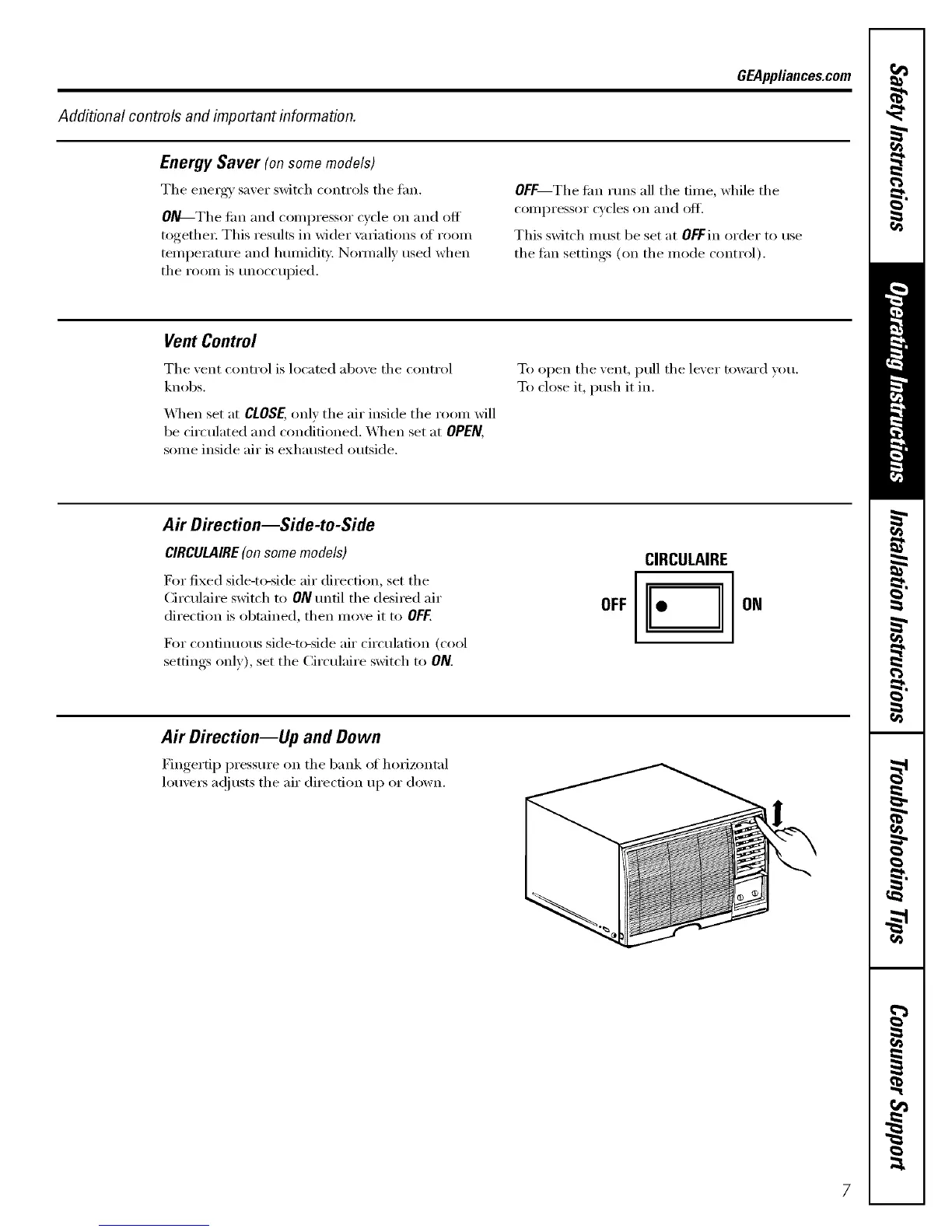
Air Direction--Up and Down
Fingertip pressm'e on the bank of horizontal
louvet_ a(!justs the air direction up or down.
7


 To Next Page
 Loading...