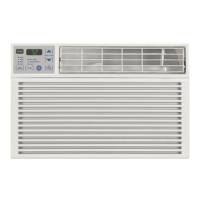
Window Installation Instructions
[] INSTALL THE AIR CONDITIONER
IN THE CASE
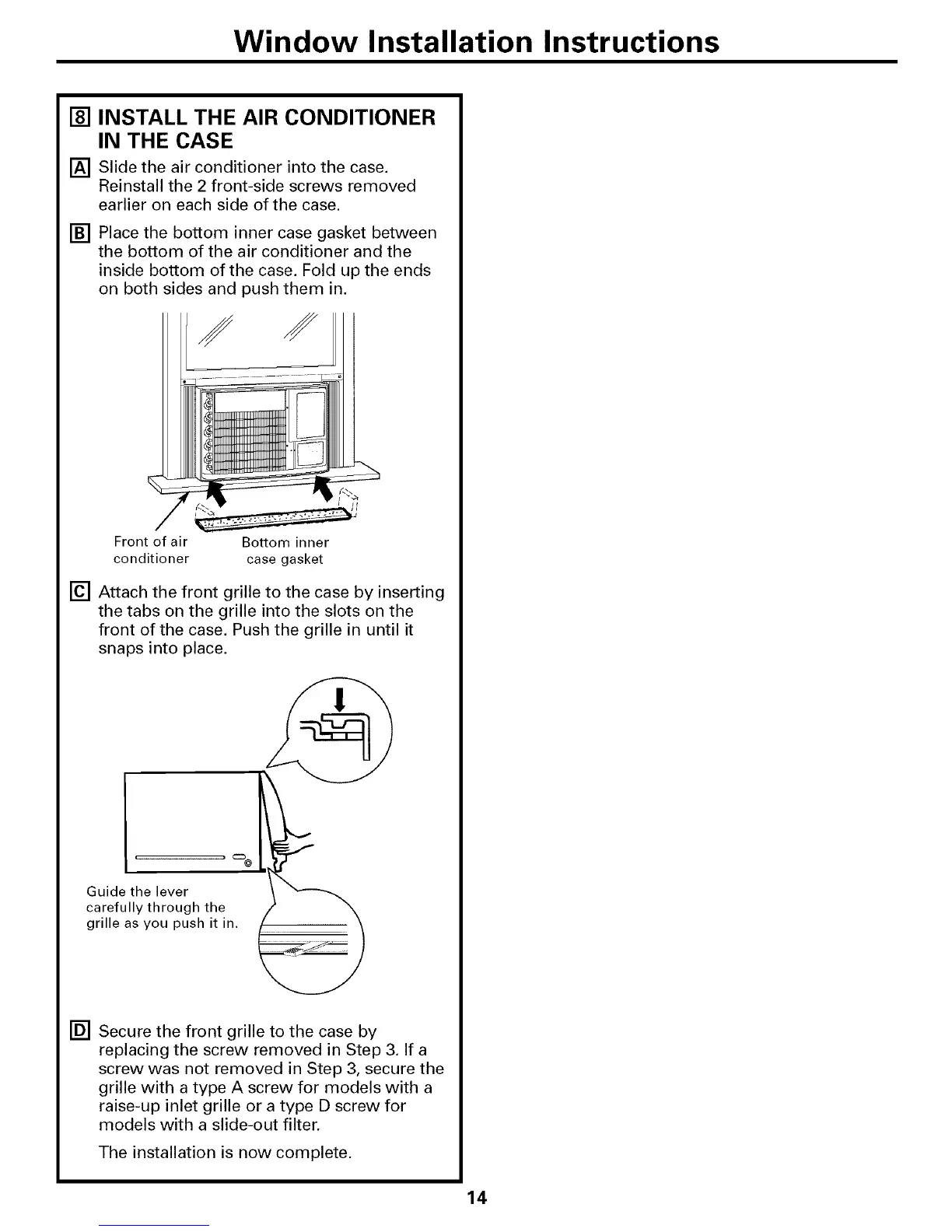
[] Slide the air conditioner into the case.
Reinstall the 2 front-side screws removed
earlier on each side of the case.
[] Place the bottom inner case gasket between
the bottom of the air conditioner and the
inside bottom of the case. Fold up the ends
on both sides and push them in,
Front of air Bottom inner
conditioner case gasket
[] Attach the front grille to the case by inserting
the tabs on the grille into the slots on the
front of the case. Push the grille in until it
snaps into place.
Guide the lever
carefully through the
grille as you push it in.
p-
[] Secure the front grille to the case by
replacing the screw removed in Step 3. If a
screw was not removed in Step 3, secure the
grille with a type A screw for models with a
raise-up inlet grille or a type D screw for
models with a slide-out filter.
The installation is now complete.



 To Next Page