18 1919
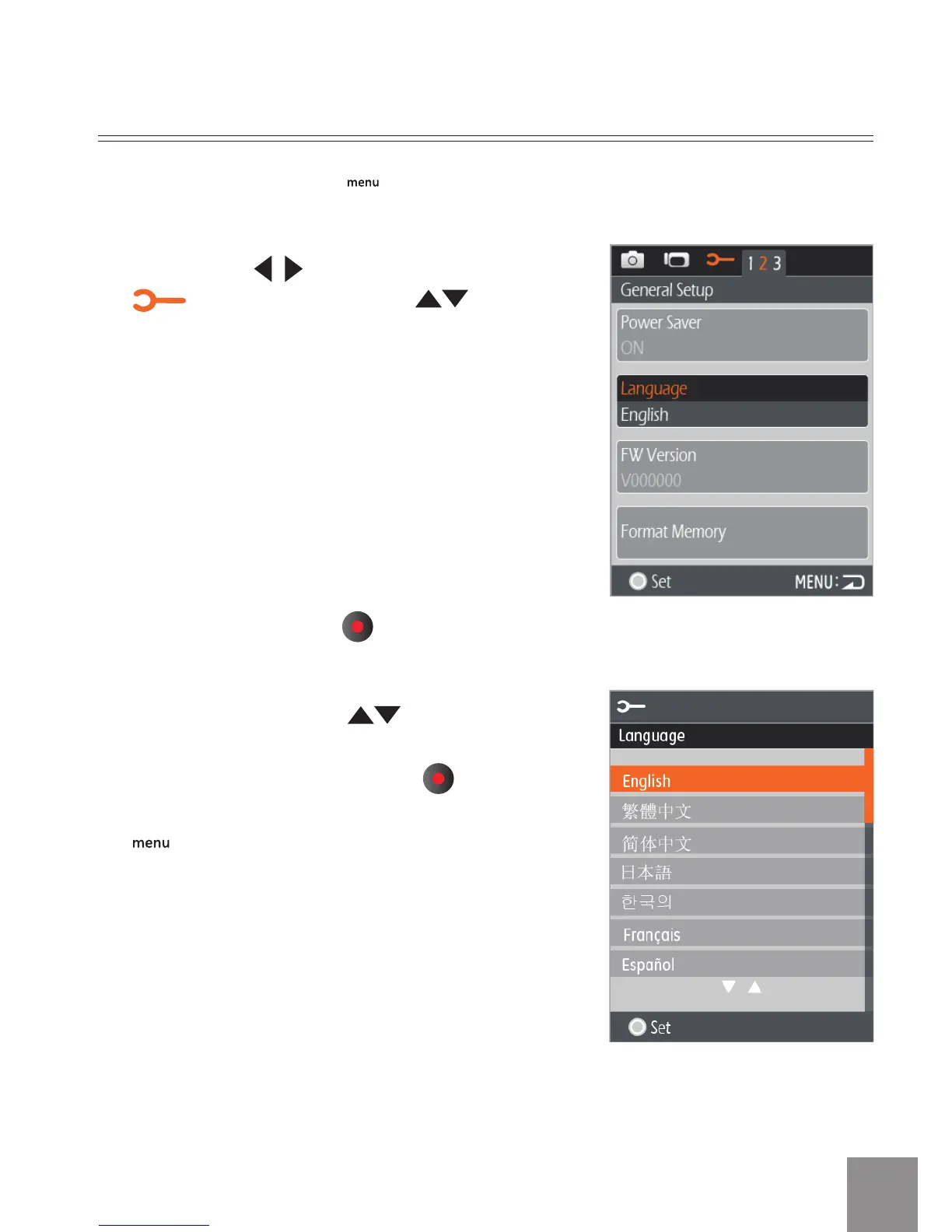
Sélection de la langue
1. Appuyez sur la touche pour accéder au
menu de conguration.
2. Appuyez sur
pour sélectionner le menu
. Appuyez sur la touche pour
sélectionner l’option Language (langue).
3. Appuyez sur la touche pour accéder à l’
interface de conguration.
4. Appuyez sur la touche pour
sélectionner la langue de votre choix.
Appuyez ensuite sur la touche pour
revenir au menu ou appuyez sur la touche
pour retourner à l’écran de prise de vue.



 To Next Page