12 1312 13
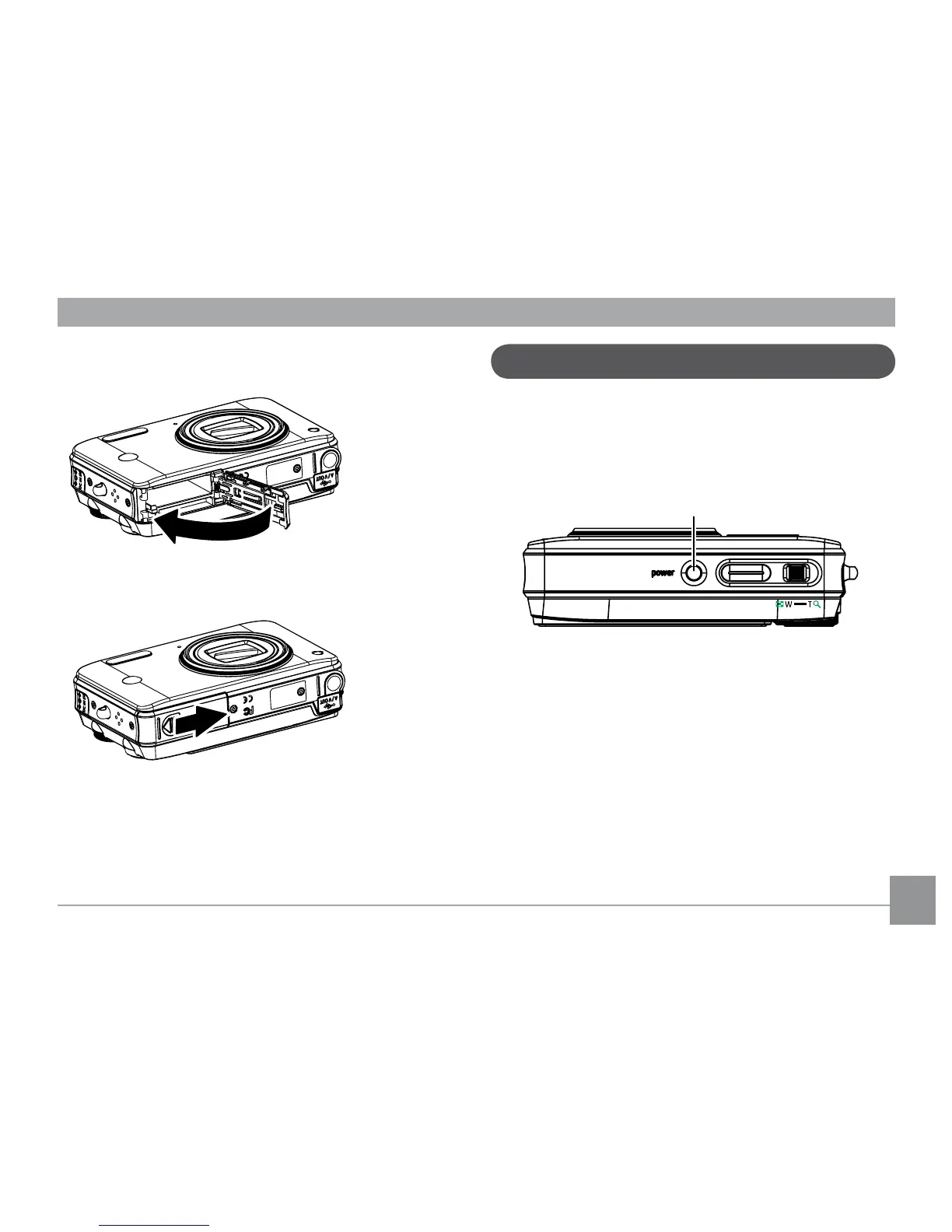
3. Close the battery compartment.
To remove the SD/SDHC card, open the battery
compartment and gently push the card to
release it. Pull the card carefully.
Turning on and o
Press the Power button to turn the camera
on. To turn o the camera, press the Power
button again.
When turned on, the camera will enter the
mode according to the mode dial setting. You
can also turn the mode dial to change the
modes after the camera is turned on.



 To Next Page