22 23
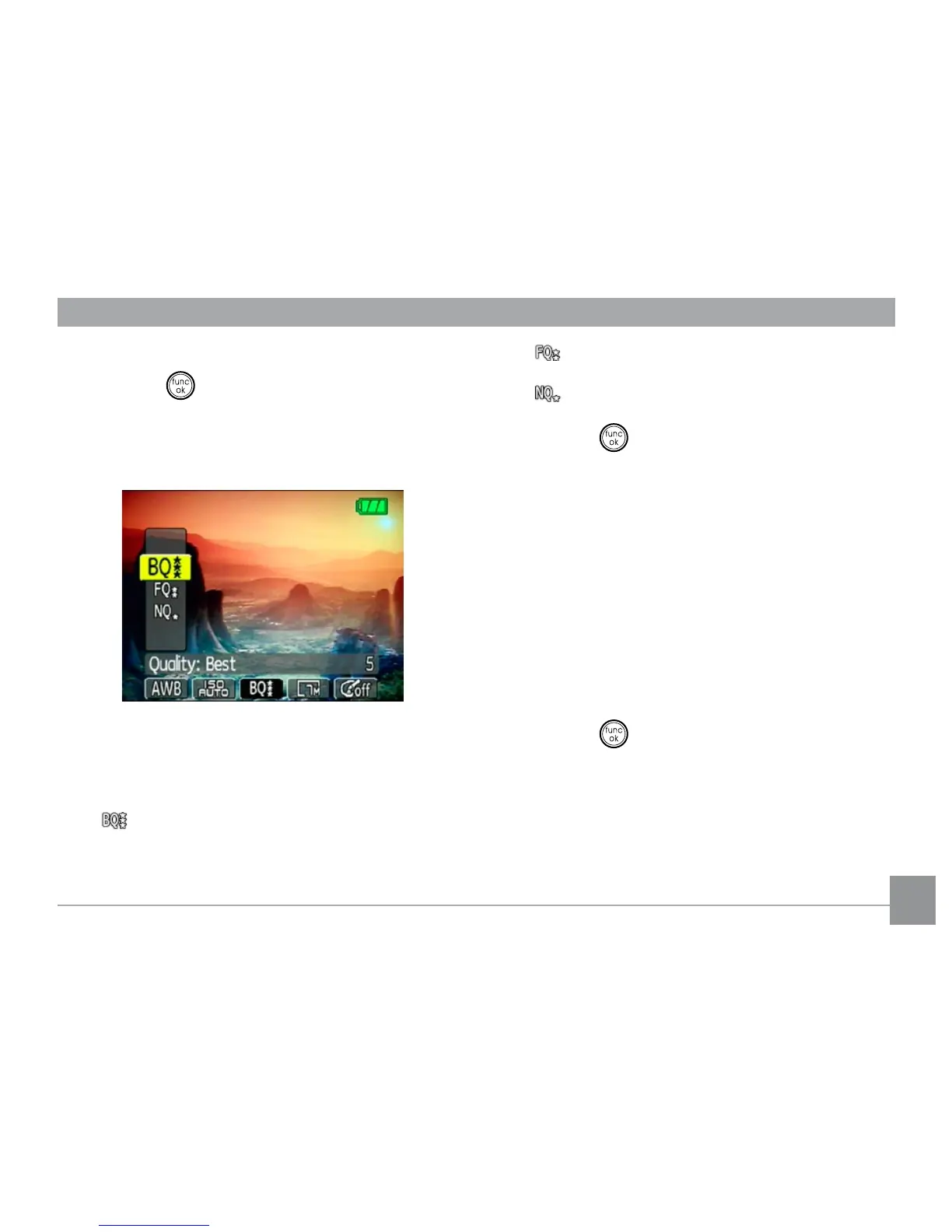
To set the image quality, do the following:
1. Press the button to enter the Function
menu.
2. Use the Left/Right navigation buttons to
highlight the Quality function.
3. Use the Up/Down navigation buttons to
select a desired setting. Three options are
available.
• : Best quality (Standard compression)
• : Fine quality (High compression)
• : Normal quality (Maximum compression)
4. Press the button to conrm your setting.
Size
The size setting refers to the image resolution
in pixels. A higher image resolution allows
you to print that image in larger sizes without
degrading the image.
To set the image size, do the following:
1. Press the button to enter the Function
menu.
2. Use the Left/Right navigation buttons to
highlight the Size function.



 To Next Page