Chapter 1
Getting started
15
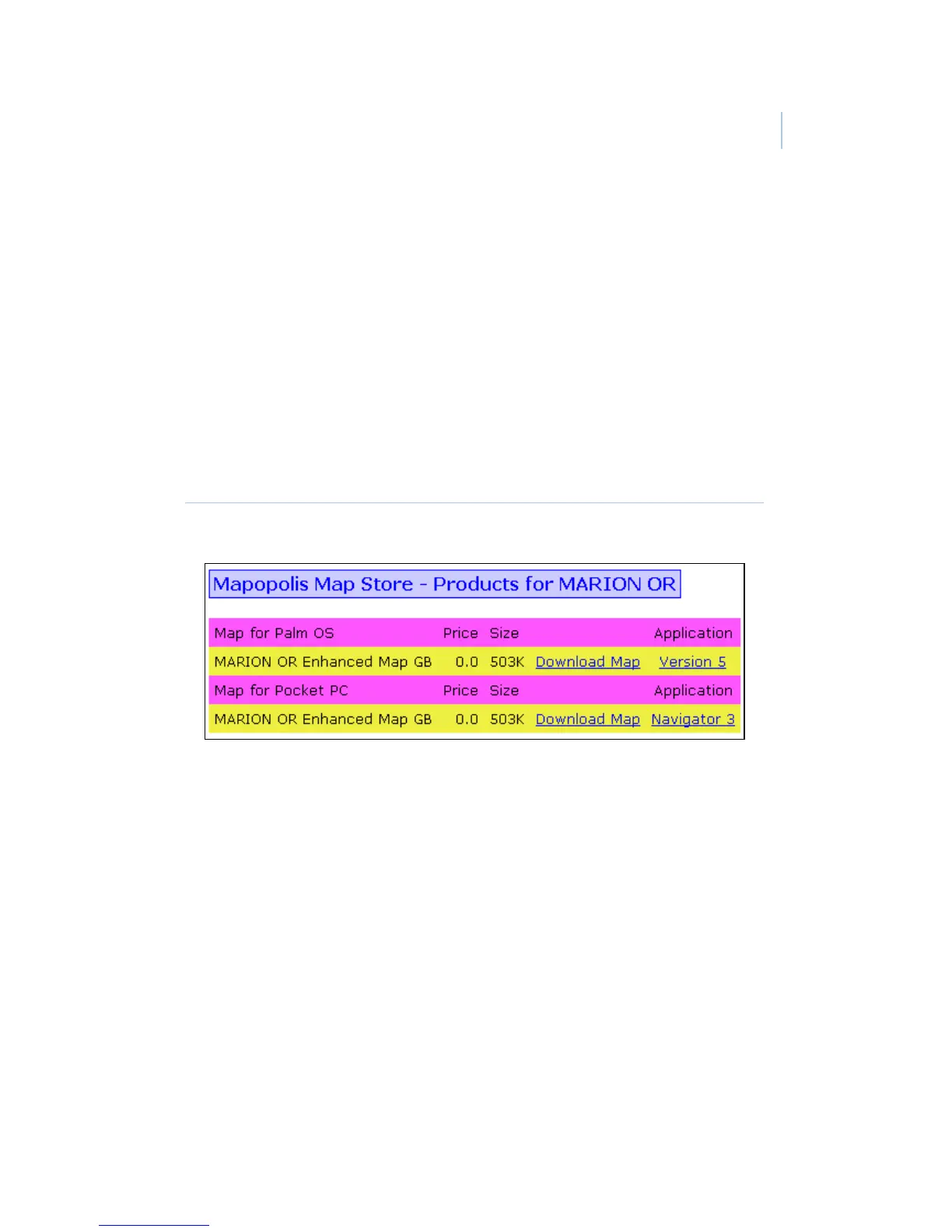
Windows Mobile. Right-click the Download Map
link under Map for Pocket PC (Figure 5). Select
Save Target As, then save the file to your
desktop. Place your PDA in its cradle to connect
it with your computer. In the ActiveSync
application on your computer, click Explore to
open the Mobile Device folder. Drag the map file
from your desktop to any location in the Mobile
Device folder. ActiveSync will transfer the map
to your PDA.
Figure 5. Download map screen
After your county maps are installed, the eDATA application
provides a link to the map when you are viewing a listing record.
To open the map on a Palm PDA, tap the arrow next to the listing
address. In Windows Mobile, select the address to open the map.
You can also view maps by opening the Mapopolis application
directly.


 To Next Page