Chapter 2
Updating
31
To enter the update code into your PDA, do the following:
1. Select the eKEY icon to open the application.
2. Select EMERGENCY UPDATE from the eKEY menu.
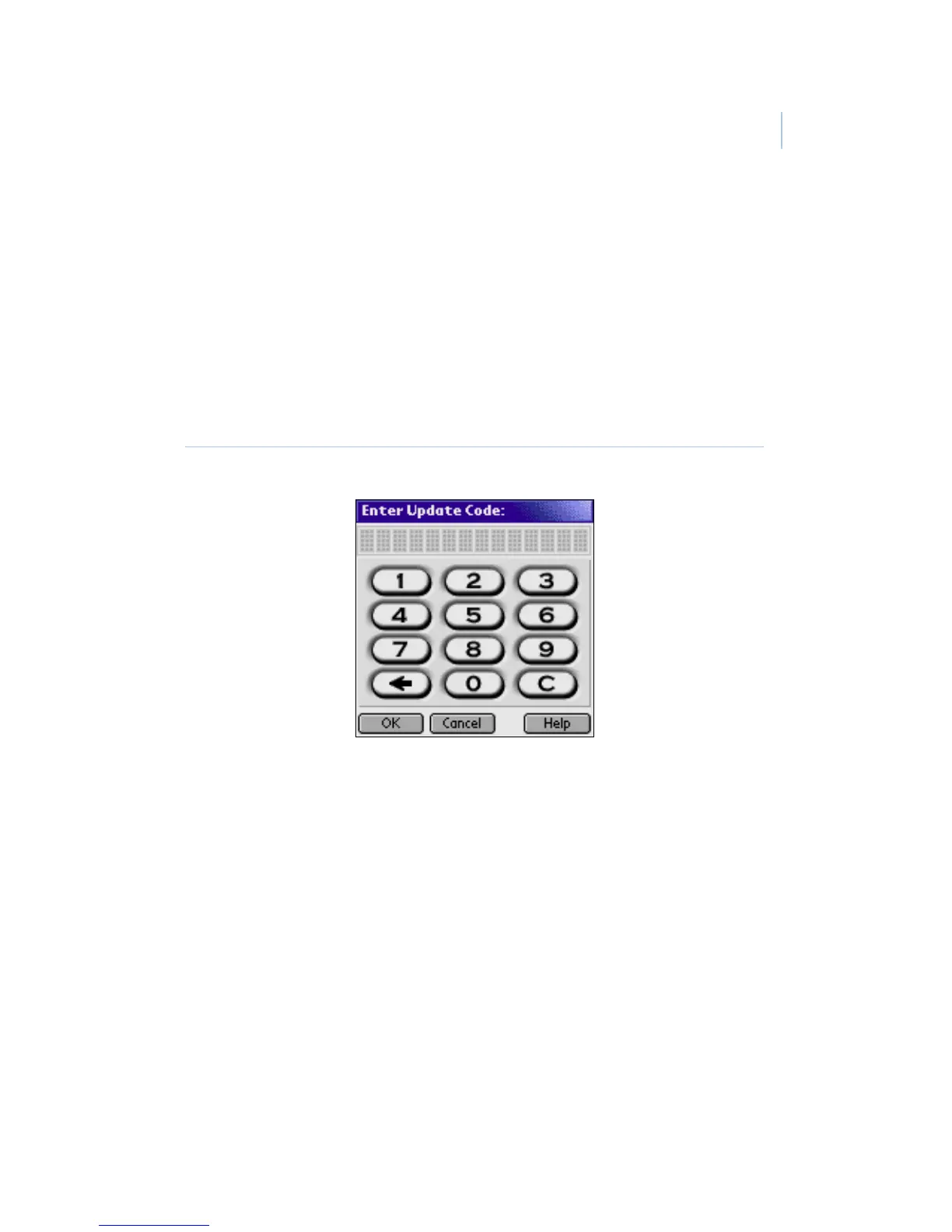
3. Enter the update code into your PDA (Figure 14).
4. Select OK. If you have an eKEY shell, press Enter on
the shell.
Figure 14. Emergency update code screen


 To Next Page