Chapter 5
MLS data
61
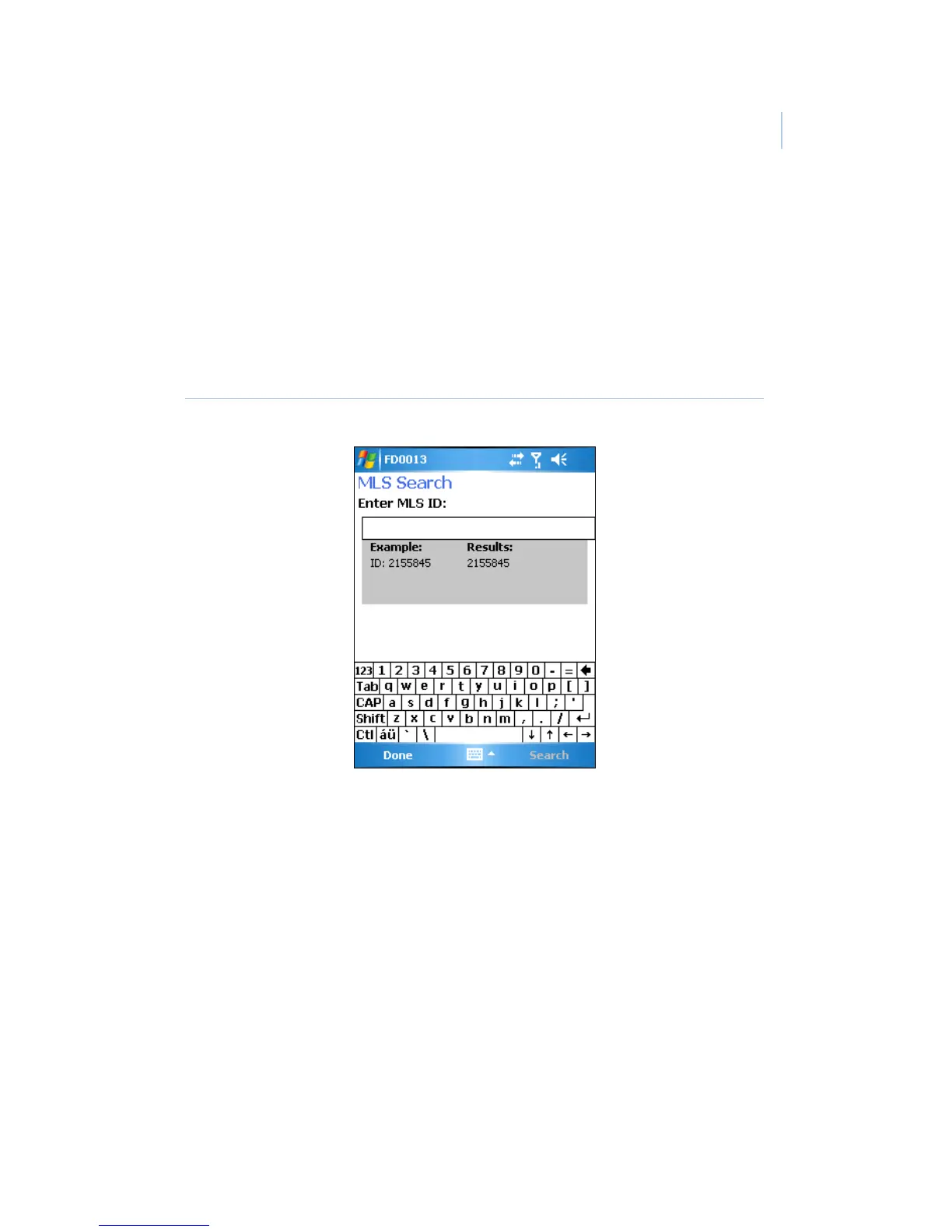
MLS ID Search. The MLS ID Search option allows you to
search for listings by MLS ID number. To perform an
MLS ID search, select MLS ID SEARCH from the
Listings Selection menu. In the MLS Search screen
(Figure 30), enter the listing’s MLS ID number, then
select Search.
Figure 30. MLS Search screen
Personal Listings. You can view your personal listings by
selecting PERSONAL LISTINGS in the Listings
Selection menu.
HotSheet Listings. HotSheet listings are those that are new
or have had a status change within the last three days.
You can view these listings by selecting
HOTSHEET LISTINGS from the Listings Selection
menu.



 To Next Page