46
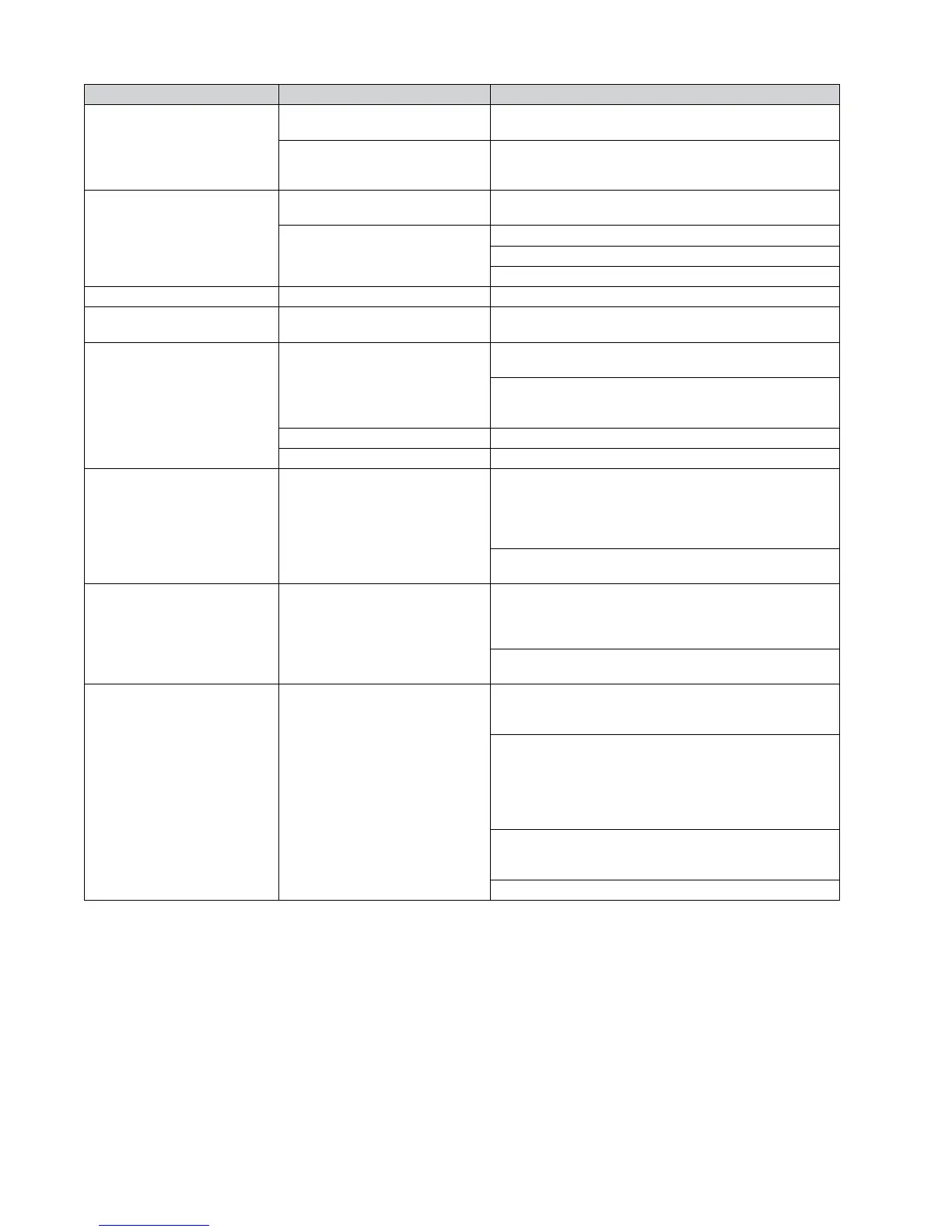
Area Problem/Situation Corrective Action/Remedy
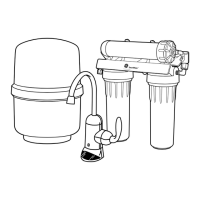
Checking Backpulse Tank Pressure
Pressure is too HIGH (greater than
35 psi)
Release air from the air bladder valve on the backpulse tank by
gently pushing in the valve stem.
Pressure is too LOW or NO pressure
(less than 30 psi when unboxed)
Add air using a compressor or hand pump. Check the pressure
again in 15 minutes and before leaving the site. If pressure is
lost, replace the backpulse tank.
Connecting Pipe Assemblies
Parts are cross-threaded
Undo connection, add plumber tape and slowly threat the two
parts together. If threads are stripped, replace the part(s).
Leak is detected
Tighten connections.
Loosen connections that are too tight.
Reinstall the part with plumber tape.
Air Relief Valve Water spouts from top Replace air relief valve (Dou vent).
System Cap Removal System cap does not loosen
Close inlet valve and depressurize the system. Refer to Controller
Functions section to initiate a manual ush.
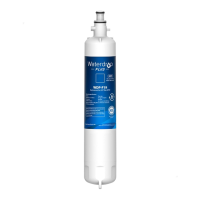
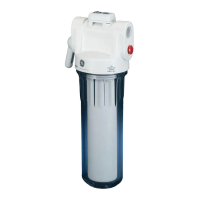
External Prelter
Water does not ow through
Press RED button on top of housing to release air until water
ows from button as air may be trapped in housing.
Replace external prelter cartridge if water pressure has been
gradually decreasing as the external prelter may be plugged or
fouled. Refer to L. REPLACEMENT PART LIST AND PROCEDURES.
Does not drain fast enough Depress red button on housing to drain quickly.
Water leaks from bottom Check mini ball valve on bottom of housing. Close tightly.
Drain Solenoid Valve Does not open to allow ushing
Using the Controller, initiate a manual ush sequence. Refer to
Controller Functions section on how to perform a manual ush
sequence and ensure button on controller is pressed for a full 5
seconds. A buzz sound should be heard from the drain solenoid
valve. Replace valve if necessary.
Check connections are installed correctly and transformer is
plugged in.
Inlet Solenoid Valve
Does not close to allow system to
drain
On the controller, press NEXT once. Simultaneously press
MANUAL FLUSH and the down arrow together and hold for a full
5 seconds. A buzz sound should be heard from the inlet solenoid
valve. Replace valve if necessary.
Check connections are installed correctly and transformer is
plugged in.
Controller
Flushing and/or draining of system
does not work
Check if the drain solenoid valve functions. Check connection to
controller is correct and initiate a manual ush to hear a buzz
sound. Refer to Controller Functions.
Check if both the inlet solenoid valve, if installed, and the drain
solenoid valve functions properly. On the controller, press NEXT
once. Simultaneously press MANUAL FLUSH and the up arrow
together and hold for a full 5 seconds. A buzz sound should
be heard from both the inlet solenoid valve and drain solenoid
valve. Replace valve(s) if necessary.
Check the connections to controller are correct for the drain
solenoid valve and transformer and if applicable the inlet
solenoid valve.
Check if the transformer is connected and plugged in.


 To Next Page