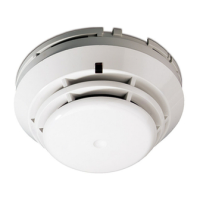
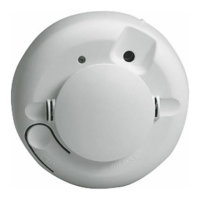
How to Remove and Reposition a GE Interlogix Smoke Sensor Model TX-6010-01-1
Description
This page shows how to remove and reposition a GE Interlogix Smoke Sensor Model TX-6010-
01-1
Please read through the directions in its entirety before commencing.
Preparation
***IMPORTANT customers who use myadt.ca*** Before removing the sensor, place the
panel on test mode through myadt.ca. After logging in:
1. Tap [Home]
2. Tap [Place on Test]
3. Enter your expiration date and time
4. Enter your password
5. Tap [Yes-Proceed]
Parts Required
1. A Phillips screwdriver
2. Thin sharp knife

 Need help?
 General


 To Next Page