Operating Instructions
Safety InstructionsConsumer Support Troubleshooting Tips
22
About the other features.
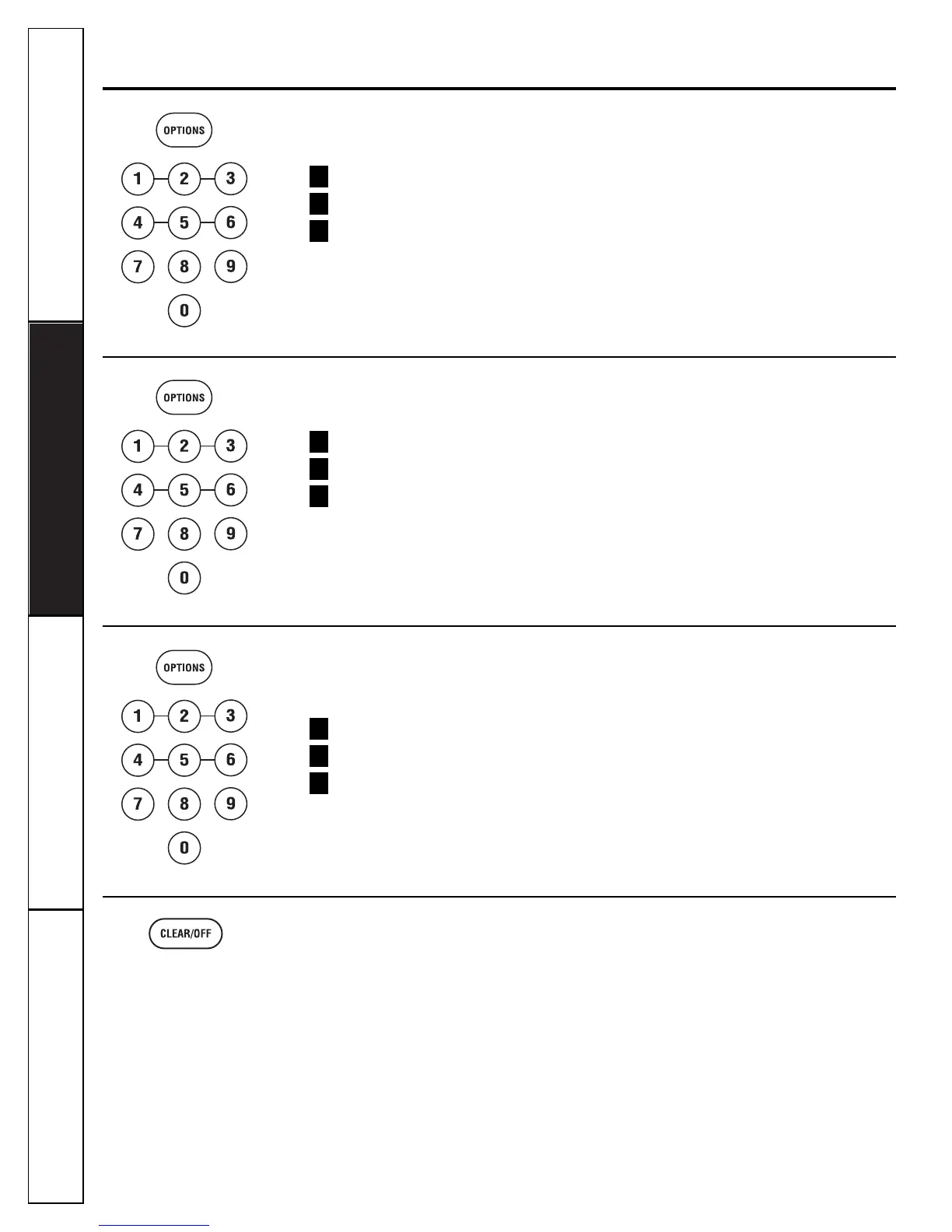
Beeper Volume
The beeper sound level can be adjusted.
Press OPTIONS.
Enter 1 to select Beeper Volume.
Select the volume.
0 = Mute, 1 = Low, 2 = Norm, 3 = Loud
NOTE: The MUTE indicator will be lit when the
button beep is turned OFF.
3
2
1
Display On/Off
To turn the clock display on or off:
Press OPTIONS.
Enter 3 to select DISPLAY ON/OFF.
Select one of the following:
1 = ON or 0 = OFF
3
2
1
Display Speed
The scroll speed of the display can be
changed.
Press OPTIONS.
Enter 4 to select Display Speed.
Select one of the following:
1 = SLOW, 2 = MSLOW, 3 = NORM,
4 = MFAST, 5 = FAST
3
2
1
Clear/Off
Press the CLEAR/OFF button to stop and
cancel cooking at any time.



 To Next Page