Special featuresof youroven control
Cook and Hold
Yournewcontrolhasacookandholdfeaturethat
keepscookedfoodswarmforupto 3hoursafter
tinnedBakingor Roastingis hnished
NOTE."Thisfeaturecan onlybeprogrammed to
work with tinnedBakingor Roasting.(Seethe
Usingthe tlYnedbaking or roasting features
section.)After timed Baking or Roastinghas
automaticallystopped, the progremmedcook
and hold will automatically start.
To acfi_ Ke this teatm'e ti)r use after
Timed Baking or Roasting, follow the
steps below.
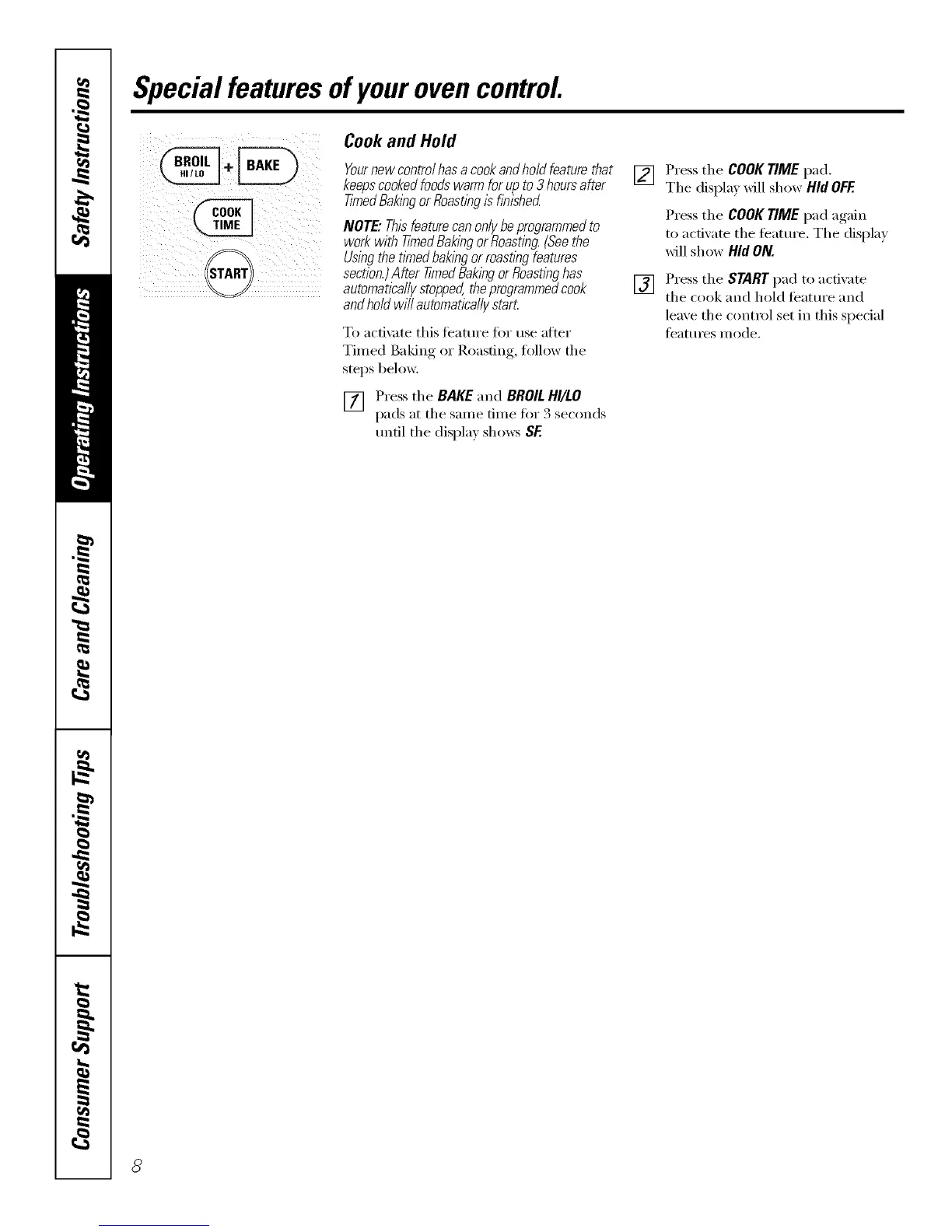
[] Press the BAKEand BROILHI/LO
pads at the sanle finle fi)r 3 seconds
until the display shows SE
[] Press the COOKTIMEpad,
The displa_ xd}l show Hid OFF.
Press the COOK TIME pad again
to actixate the teatm'e. The displa_
will show Hid ON.
[] Press the STARTpad to activate
the cook and hold teatm'e and
leave the control set in this special
teatm'es mode.



 To Next Page