Safety InformationOperating InstructionsTroubleshooting TipsCustomer Service
About the temperature features.
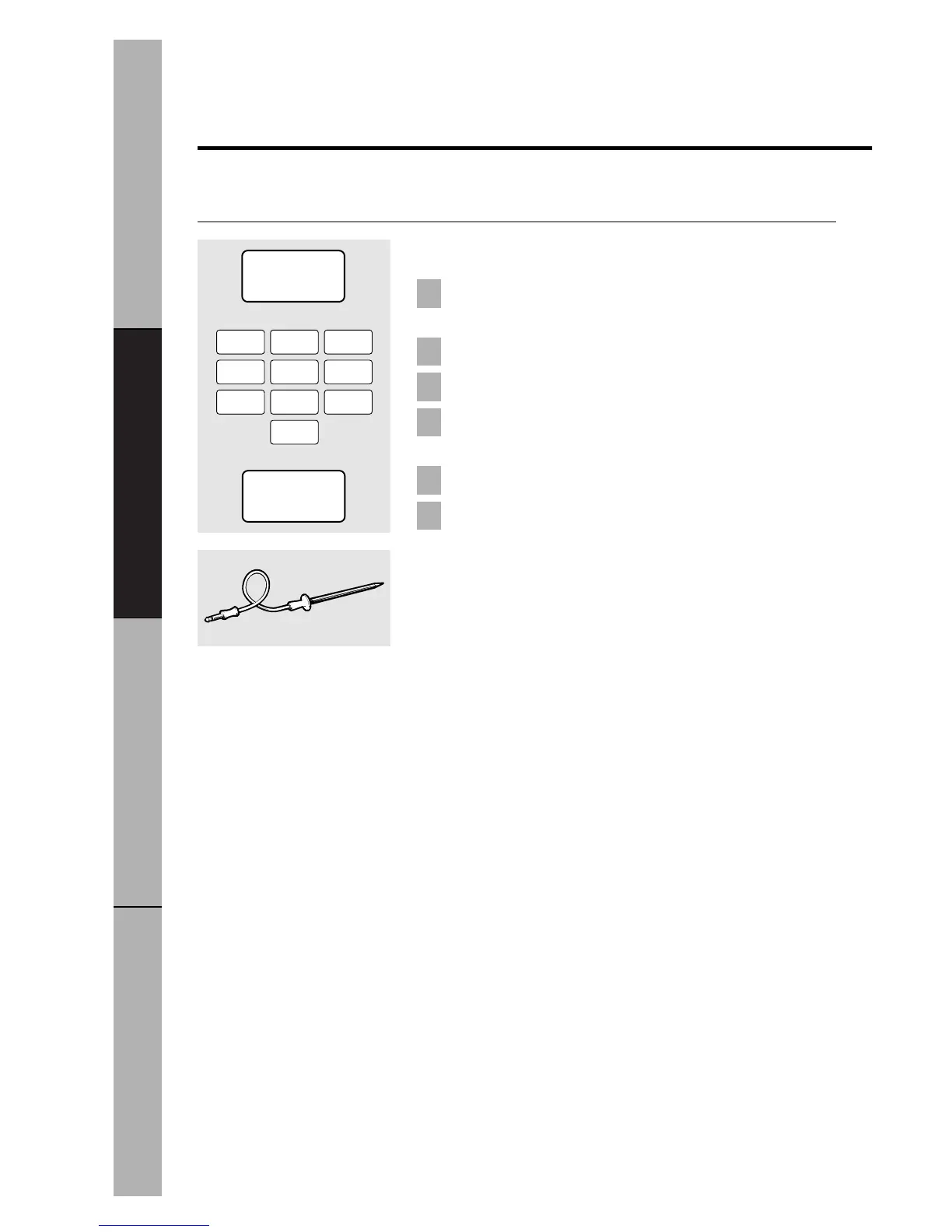
Temp Cook
Insert the temperature probe in the center of the
food and attach it securely in the oven wall.
Press
TEMP COOK.
Enter the desired food temperature.
Change power level if you don’t want full power.
(Press
POWER LEVEL.
Select a power level 1–10.)
Press
START.
When the temperature is reached, the microwave
will signal. Food will be held at this temperature for
60 minutes. The oven beeps when the hold time is
complete.
6
5
4
3
2
1
30


 To Next Page
 Loading...