32
Menus And Features
Parental Controls Menu
The Parental Controls menu allows you to program your TV so that
children cannot see certain programs, channels, or use the front
panel controls.
The first three choices in the Parental Controls menu involve a chip
inside your TV (called V-Chip). These three V-Chip functions do not
apply to your market. Please disregard them. However, you can use
the Channel Block, Front Panel Block and Lock Parental Controls
features in the
Parental Controls
menu.
Channel Block
Selecting this option lets you decide what channels can be viewed.
View All channels are available.
Block The front panel CH (channel) buttons will tune only to
channels that you have marked as
View
. The remote will still
tune to the blocked channel if you use the digits to access the
channel.
Don’t forget to lock parental controls after you change the status of
Channel Block. If you do not, the channel block will not take effect.
Front Panel Block
Selecting this option lets you block (disable) or unblock (enable) the
TV’s front panel. The remote still tunes to any channel. Front Panel
Block can:
• Keep children from watching TV when the parent is not present.
• Keep small children from playing with the buttons.
(When using this as a Parental Control method, you should remove
access to any remote capable of controlling the front panel while
you have the Front Panel blocked.)
Don’t forget to lock parental controls after you change the status of
Channel Block. If you do not, the channel block will not take effect.
Lock/Unlock Parental Controls
Selecting this option lets you lock and unlock parental controls
settings using a password.
If you do not lock parental controls, none of the settings
for Channel Block or Front Panel Block will take effect.
If you forget your password, press and hold TV on the remote and
the MENU button on the television simultaneously for 3 seconds.
Parental controls will then unlock and you can re-enter a password
via
Lock Parental Controls
.
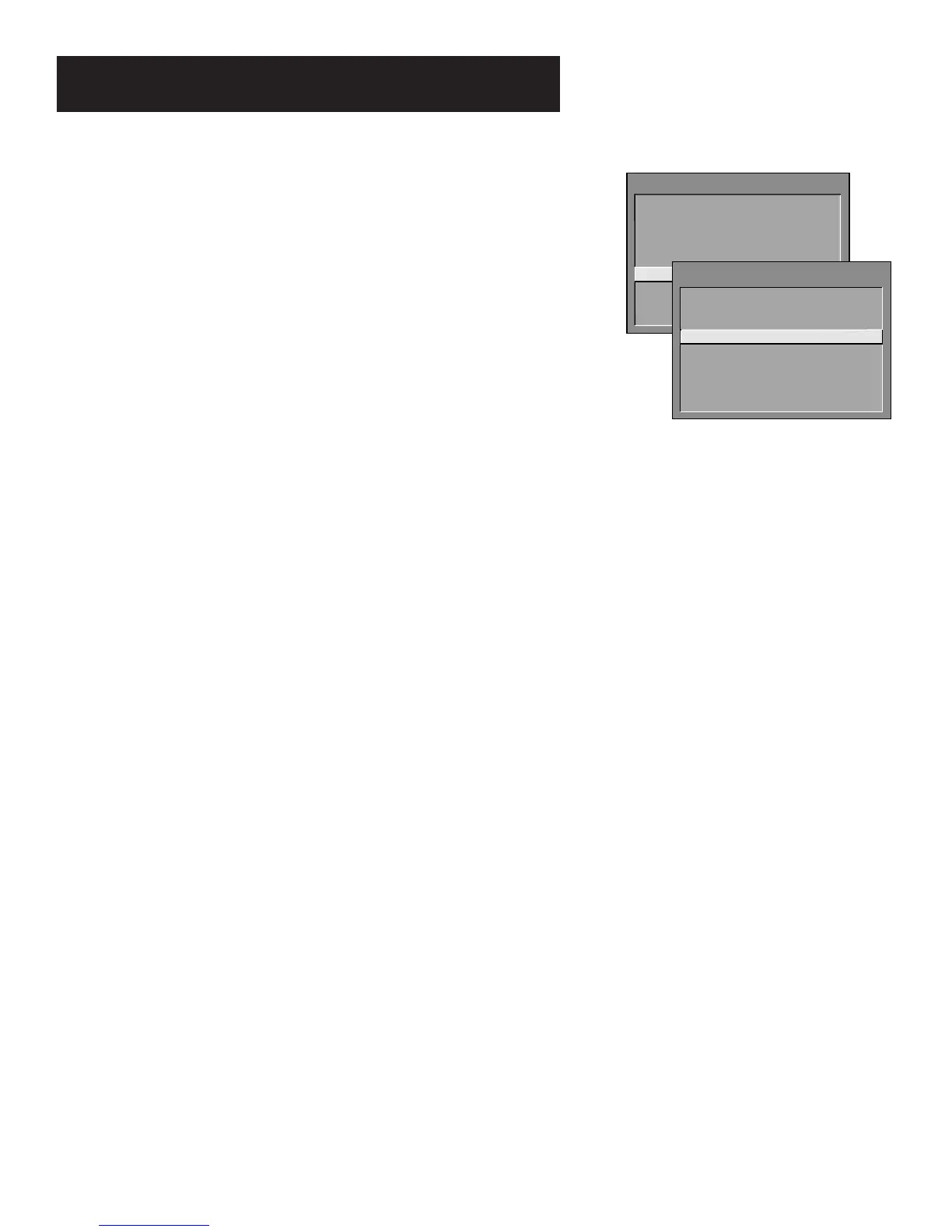
TV MAIN MENU
1 Audio
2 Picture Quality
3 Screen
4 Channel
5 Time
6 Parental Controls
7 Setup
0 Exit
PARENTAL CONTROLS
1 V-Chip TV Rating Limit
2 V-Chip Movie Rating Limit
3 V-Chip Unrated Program Block
4 Channel Block
5 Front Panel Block
6 Lock Parental Controls
0 Exit



 To Next Page