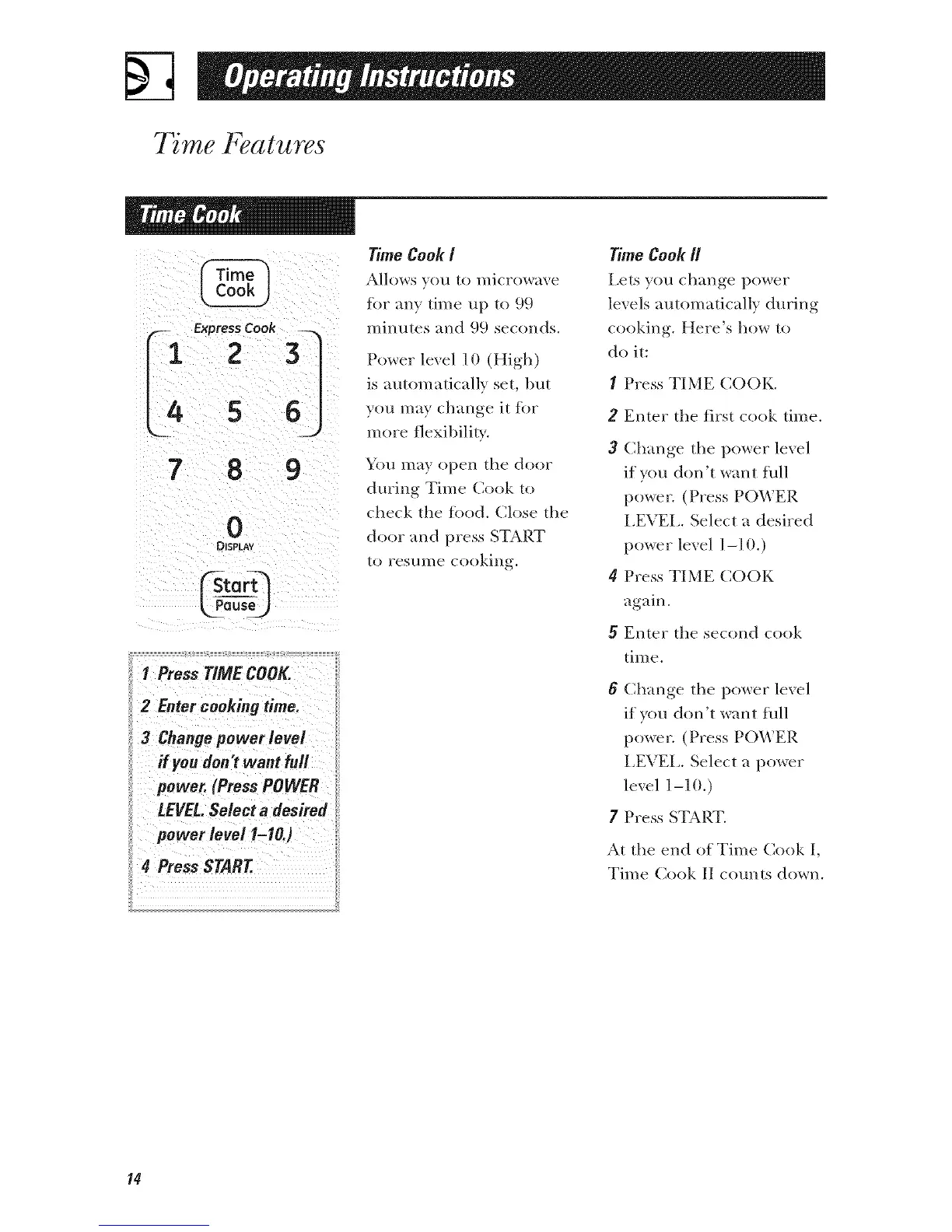
L4s6j
7 8 9
0
DISPLAY
I Press TIME COOK
2 Enter cookingtime.
3 Changepower level
#you don'twant full
power. (PressPOWER
LEVEL.Select a desired
power level 1-10.)
4 PressSTART.
TimeCookI
Allows you to microwave
tot any time up to 99
mim_tes and 99 seconds.
Power level ] 0 (High)
is automatically set, but
you may change it for
more flexil)ilit),.
\k)u may open the door
during Time Cook to
check the tood. Close the
door and press START
to resume cooking.
Time Cook R
Lets you change power
levels automatically during
cooking. Here's how to
do it:
I Press TIME COOK.
2 Enter the first cook time.
3 Change the power level
if you don't want full
power. (Press POWER
I,EVEI,. Select a desired
power level ] -10.)
4 Press TIME COOK
again.
5 Enter the second cook
tim e.
6 Change the power level
if you don't want full
power. (Press POWER
I,EVEL. Select a power
level ] -1 (1.)
7 Press START.
At the end of Time Cook I,
Time Cook II c(mnts down.
14



 To Next Page