Operating Instructions
Other Features Your Model May Have
24
The HELP pad displays
feature information and
helpful hints. Press HELP,
then select a feature pad.
Help
(On some models)
To remind you that you
have food in the oven, the
oven will display “FOOD IS
READY” and beep once a
minute until you either
open the oven door or
press CLEAR/OFF.
Cooking Complete
Reminder
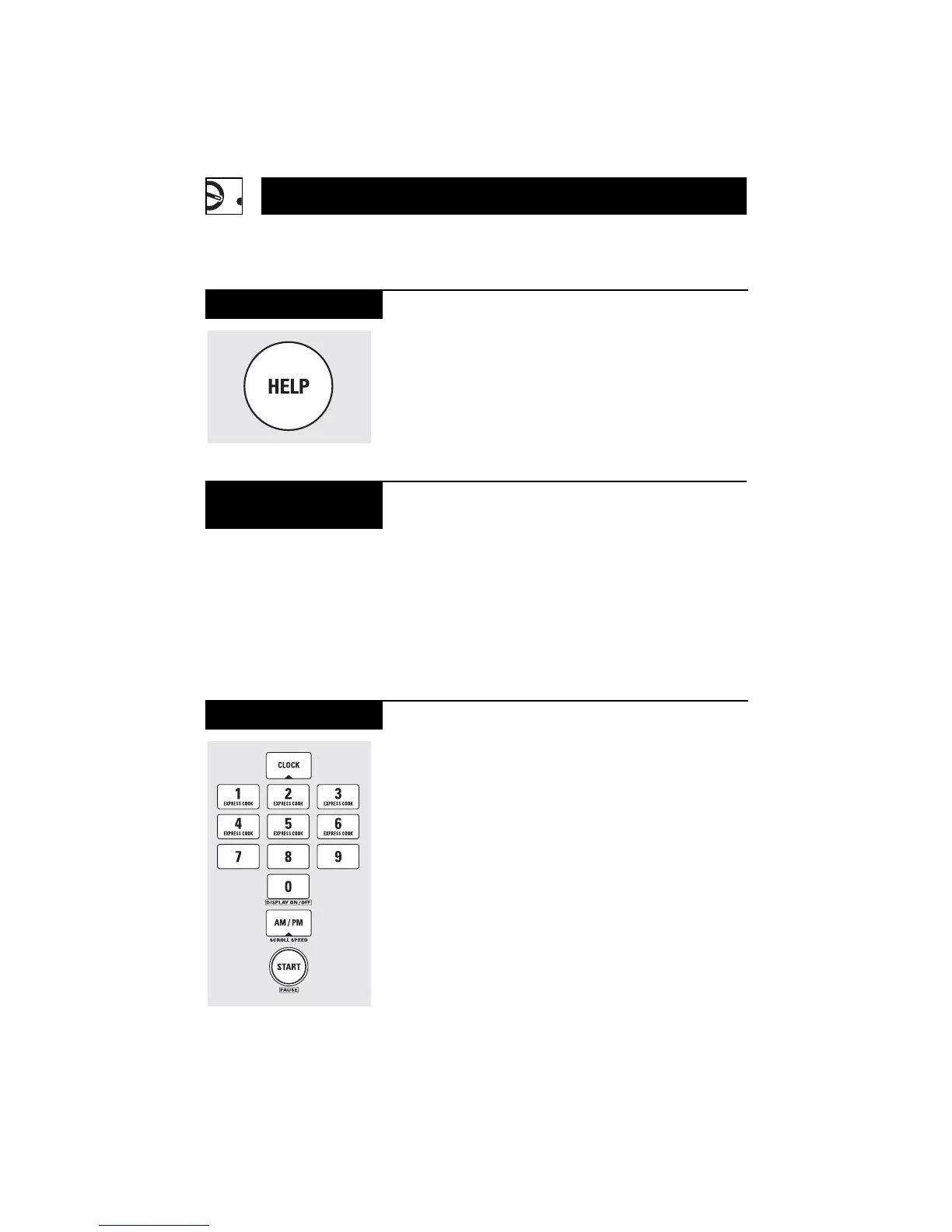
Press to enter the time of
day or to check the time
of day while microwaving.
1
Press CLOCK.
2
Enter time of day.
3
Select AM or PM.
4
Press START or CLOCK.
Clock



 To Next Page
 Loading...