Chapter 5 45
Other Information
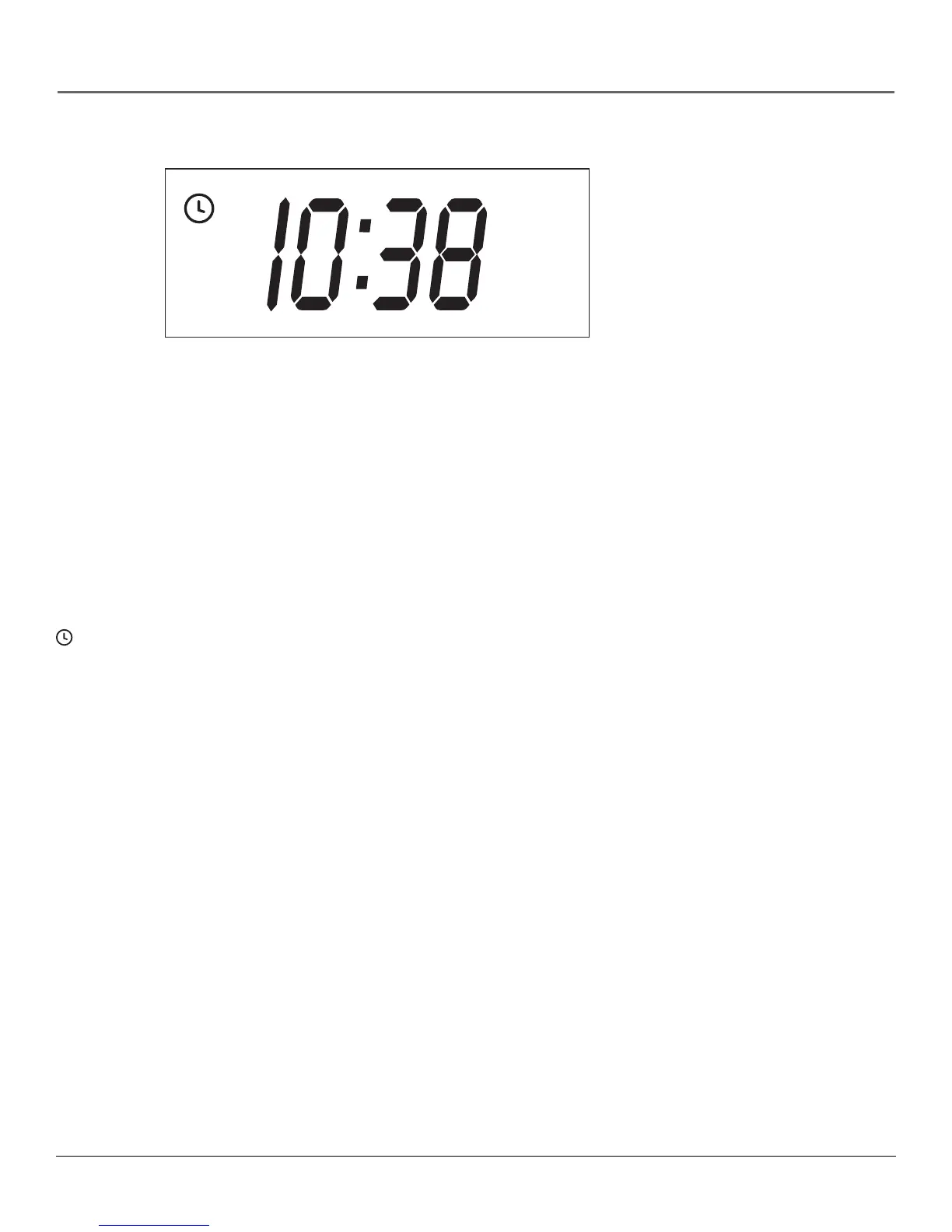
Display Panel
Clock/Counter Displays current time, time counter, tape speed, or channel numbers when
switching channels.
FUNCTION DISPLAYS:
dn & Ld (Down and Load) Front panel display alternates between these two words when time
data is being downloaded.
REC (Recording indicator) The VCR is recording. REC flashes on the front panel display when a
recording is paused.
(Timer indicator) Displayed when an Express Recording (XPR) or timer recording is under
way or when the VCR is set for a timer recording and the power is turned OFF. TIMER flashes on
the VCR front panel when a timer recording is set and no tape is inserted in the VCR.
VCR indicator Indicates that the VCR is in VCR-display mode. Press the TV•VCR button to
toggle between VCR and TV viewing modes.
• VCR indicator is ON when the picture displayed is from the VCR’s tuner.
• VCR indicator is OFF when the picture displayed is from the TV’s tuner.
AM
REC
VCR



 To Next Page