49-5000561 Rev. 1 7
FEATURES OF THE ZONELINE
Features
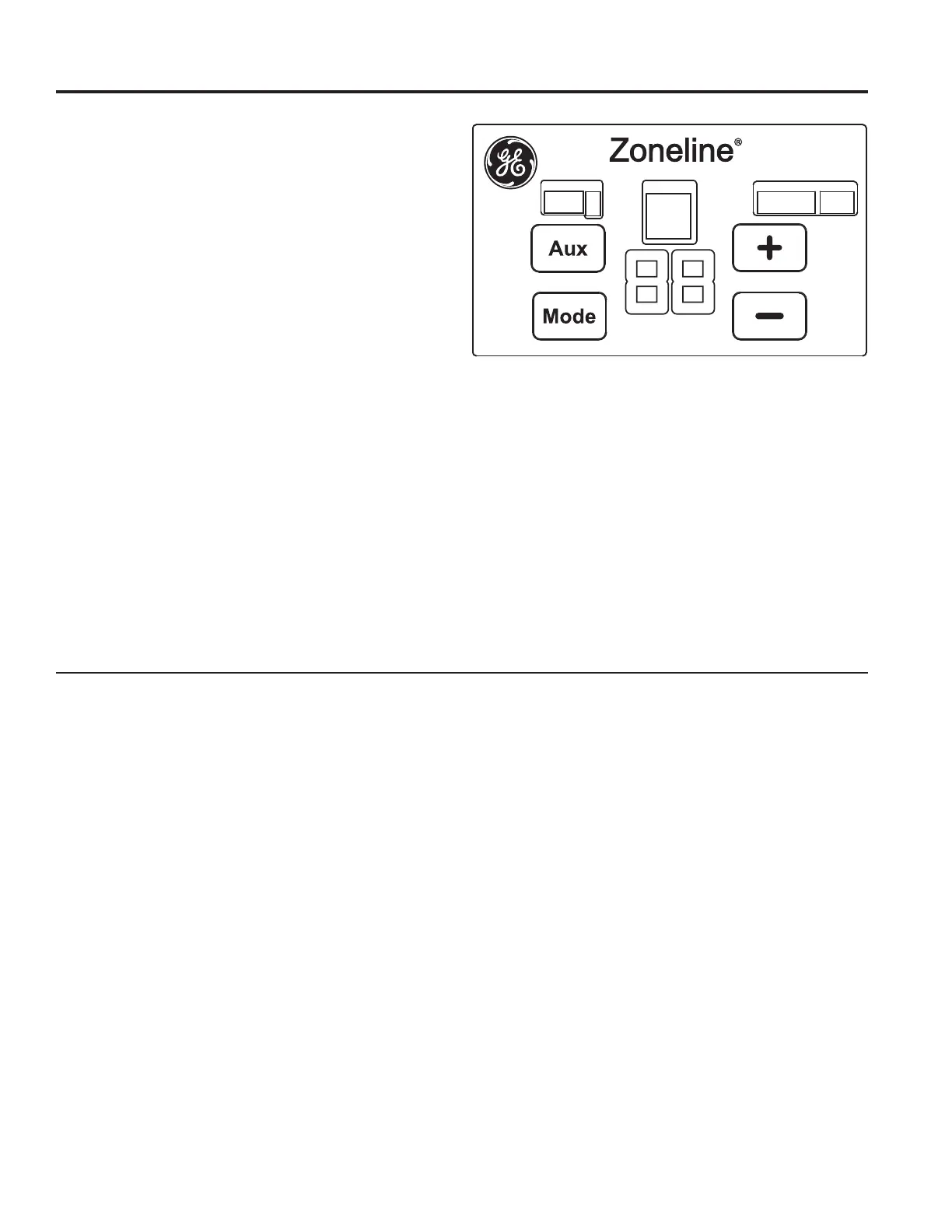
Auxiliary Control Features
The unit is factory preset to operate to what most
customers prefer. The auxiliary controls allow the owner
to modify how the unit operates and performs in their
particular installation.
The auxiliary controls allow customization of up to nine
different parameters to be modified to meet specific
needs.
Modes of the Auxiliary Control
Mode 1 – Not Applicable
Mode
2 – Not Applicable
Mode 3 – Freeze Sentinel/Heat Sentinel
Mode 4 – Constant ON Fan
Mode 5 – Not Applicable
Mode 6 – Not Applicable
Mode 7 – Fan Boost Mode
Mode 8 – Electric Heat Only (AZ95H only)
Mode 9 – Heat Boost (AZ95H only)
To learn more about the auxiliary controls and how to
set them go to the Auxiliary Controls Setting section of
this manual.
If the owner modifies the auxiliary controls, it is then the
owner’s responsibility for ensuring the auxiliary controls
are set to the desired function. To change operating
or set up parameters see the Setting the Auxiliary
Control section of this manual.
Additional Control Features
Central Desk Control (Field Supplied) – The central
desk control is a feature that allows the unit to be made
operable /inoperable from a remote location.
To learn more about field installed features and how
to connect the devices to the unit see the Auxiliary
Control Termination/Connection section of this manual
Auxiliary Control Panel
Located behind the front case panel.






 To Next Page