Grasso
Refri
eration Division
GRASSO SYSTEM CONTROL
01.2003/ 0 638660E_chapter7.doc Kap.7 - 3
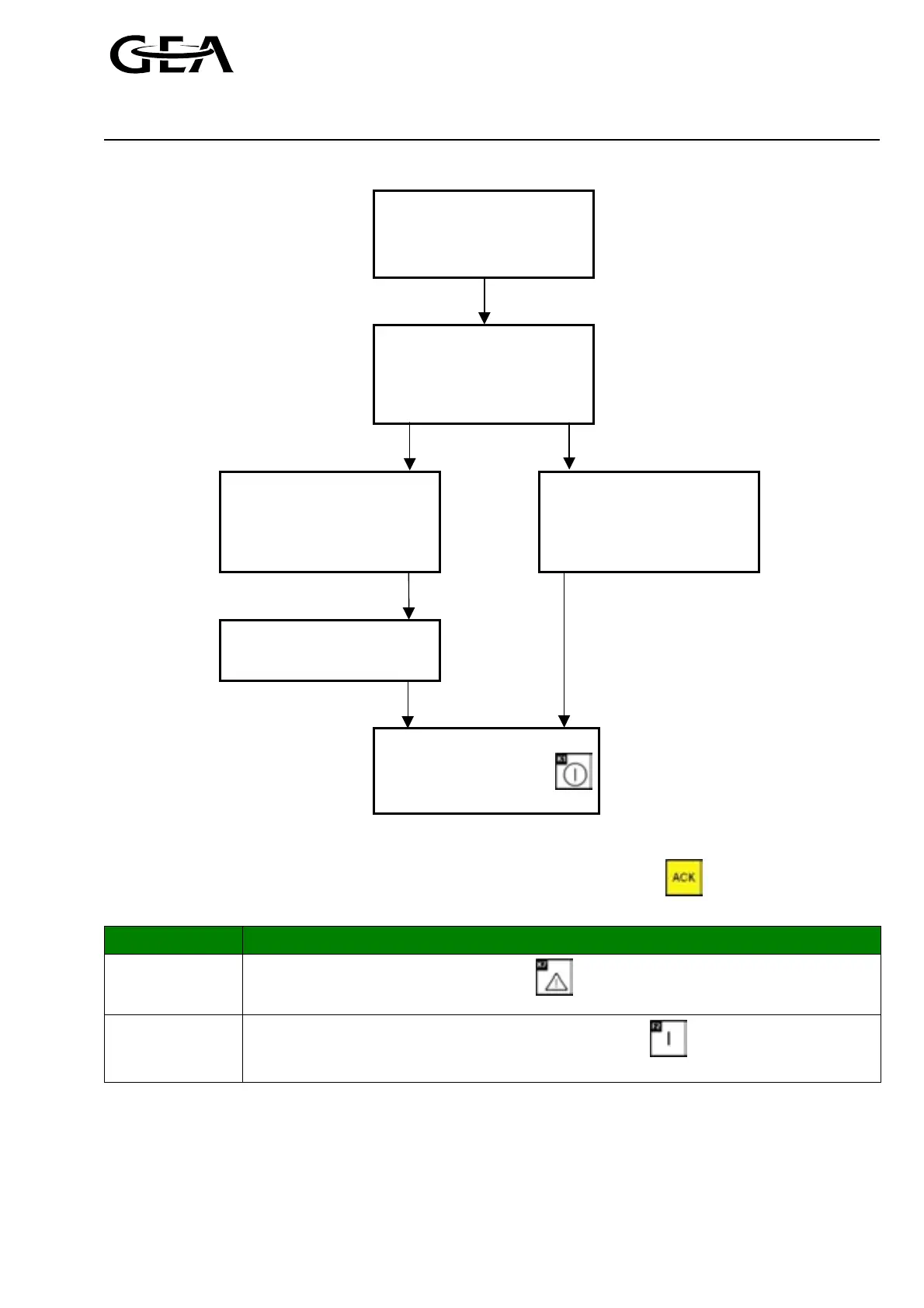
After pressing the ‘ACK’ key,
the alarm is acknowledged at
the PLC.
The alarm message is deleted
in the display.
The main menu appears in the
display.
Possibility 1 Possibility 2
LED
Ì
!
(red) ON
The cause of the alarm
still exists.
LED
Ì
!
(red) OFF
Cause of the alarm
has already been removed.
Remove cause of the alarm
Restore operation
mode active before
alarm occured by
pressing
) Attention! It is not possible to restart the compressor as long as the cause of the alarm still exists!
Display of the cause(s) of the alarms after deleting the display on view (press the key) or in the case that
several alarms have occurred simultaneously:
Step Procedure
1
Call up the ‘Alarms’ menu by pressing the key.
2
Select the ‘View’ menu item for the alarms by pressing the key. The errors that have
occurred can be viewed here with the date and time at which they occur.
For more detailed explanations for reading the error messages, see Chapter 1.2.2.2.



 To Next Page