Grasso
Refri
eration Division
GRASSO SYSTEM CONTROL
01.2004/1 638660E_chapter1.doc Chap. 1 - 9
1.2.3.3 Operating mode menu
15 Operating modes
01 Manual + Manual
Manual Start/Stop
Manual +/-
Operating mode >>
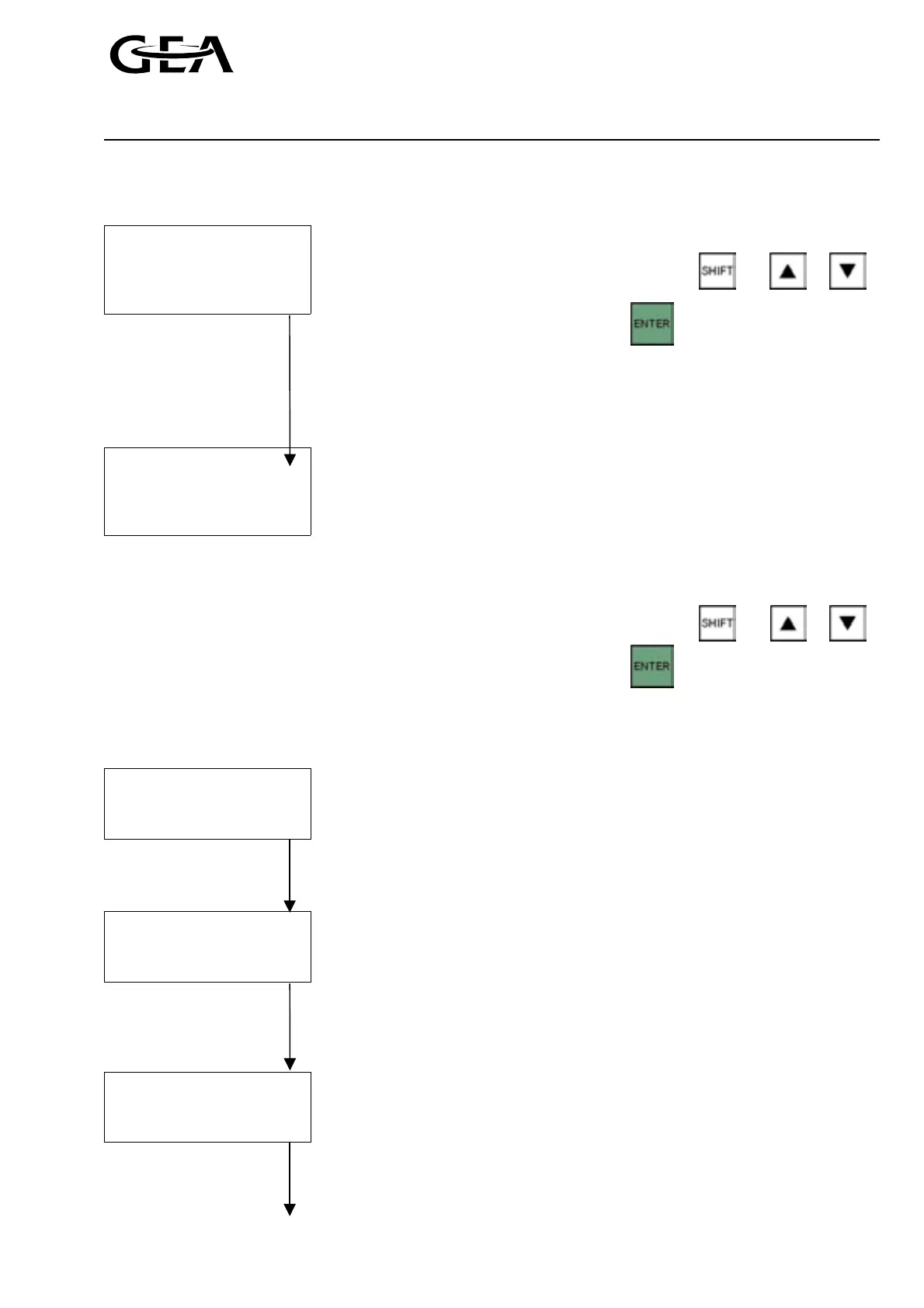
Switchover operating modes
Select the operating mode using and or .
Confirm selection with
Example shown is operating mode type 01 — Manual stop start and manual
capacity control (Please refer to section 2.1)
Control on
Power return
Netw fault
Control on: Choose between “Suc press”, “Ext temp” and “Netw
temp”
Power return: Behaviour after return of the power. Choose between
“Warning” (compressor start enabled) and “Alarm”
<< Operating mode (compressor start disabled)
Netw fault: Behaviour after network communication failure. Choose
between “Warning” (automatic switchover to operating
mode “AUTO + AUTO) and “Alarm”
Select the operating mode using
and or .
Confirm selection with
1.2.3.4 Limit values menu
20 Limit values
Suction press
Psuc low alarm
Low warning +
Suction press: Actual suction pressure in bar (a)
Psuc low alarm: Alarm limit for minimum suction pressure in bar (a)
Low warning: Enter the warning value as an offset to the
Limit values 01 >> alarm value in bar
Psuc low alarm
Low limit +
Decr limit +
Psuc low alarm: Alarm limit for minimum suction pressure in bar (a)
Low limit: Begin of the suction pressure limitation -
enter value as an offset to the alarm value in bar
<< Limit values 01 >> Decr limit: Begin of the forced decreasment of the capacity due to
low suction pressure -
enter value as an offset to the alarm value in bar
Suction press
Psuc hi alm n1
Psuc hi alm n2
Suction press: Actual suction pressure in bar (a)
Psuc hi alm n1: Alarm limit for maximum suction pressure in bar (a) at low
motor speed
<< Limit values 01 >> Psuc hi alm n2: Alarm limit for maximum suction pressure in bar (a) at high
motor speed



 To Next Page