Grasso
Refrigeration Division
GRASSO SYSTEM CONTROL
01.2003/0 638660E_chapter3.doc Chap. 3 - 1
3 INITIAL START UP
This chapter describes the most important steps to be taken before commisioning the GSC. These steps can also
be usefull in case changes are being made in the system.
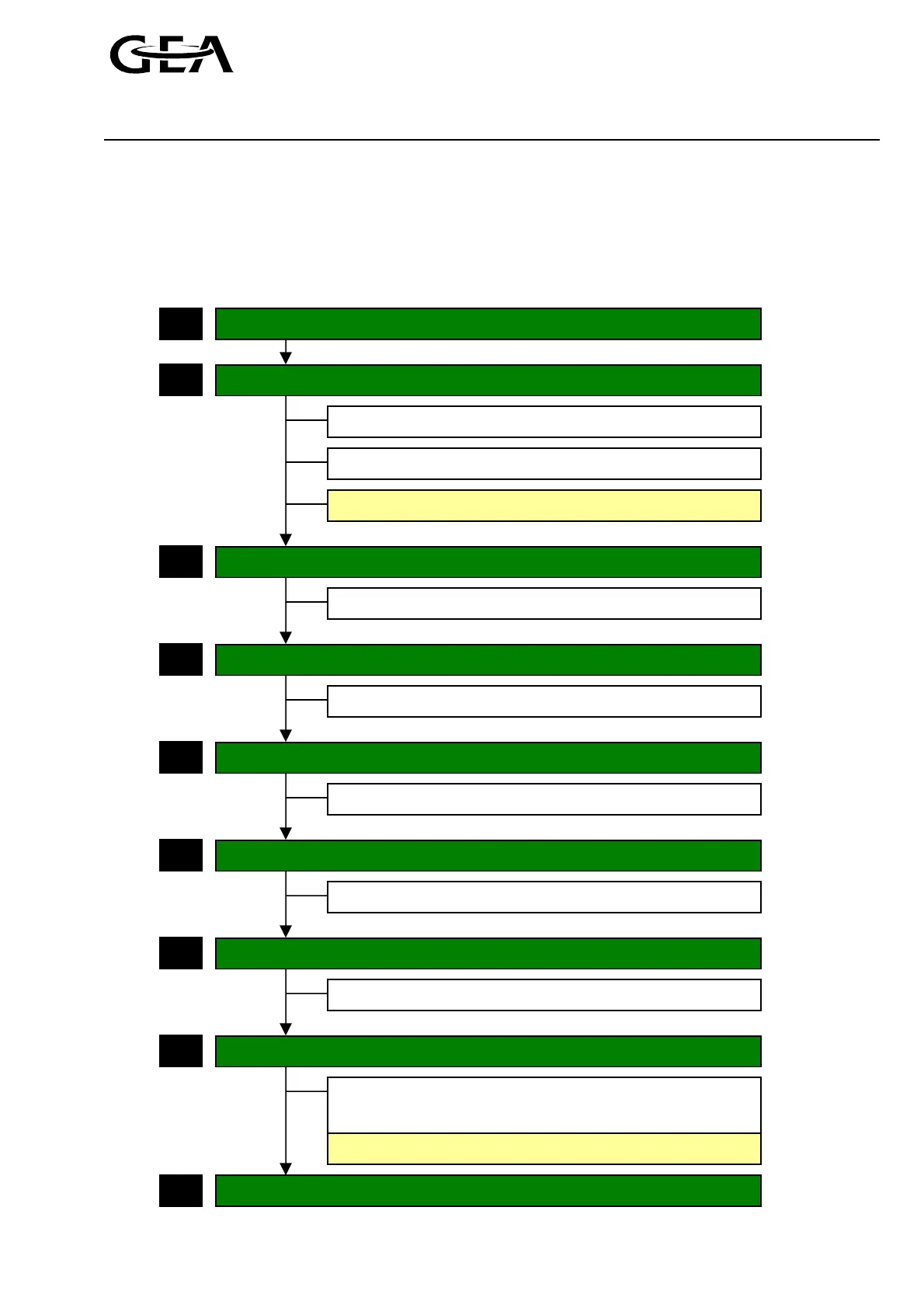
3.1 Overview of steps to take for commissioning
Configure all components installed
Check/ adjust the sensor scaling
Press “ACK” key to acknowledge all active alarms
Wait until the “status display” is being displayed
Check/ adjust the control settings
Check/ adjust the limit value settings
Select
⇒ Menu “Control”
10
Press “Accept” to accept all changes
Select
⇒ Menu “Limit values”
20
1
3
5
8
Press F4 key until the end without making any changes.
Next…
Select
⇒ Menu “Confi
uration”
50
Press “Save” to save the settings on the EPROM
9
Select
⇒ Menu “Confi
uration”
50
2
Check/ adjust the unit option settings
Select
⇒ Menu “Unit o
tions”
35
7
Check/ adjust the time values settings
Select
⇒ Menu “Time values”
30
6
Check/ adjust the operating mode settings
Select
⇒ Menu “O
eratin
mode”
15
4
(See chapter 3.2)
(See chapter 3.3)
(See chapter 3.4)
(See chapter 3.5)
(See chapter 3.6)
(See chapter 3.7)
(See chapter 3.8)



 To Next Page