2
User Manual CDM-D150 | GEAR4
For use with CD:
Press the FUNCTION button to select ■
CD mode.
Carefully insert your disc into the ■
CD compartment.
When the compartment is fully closed, ■
the disc will be read automatically.
Press the PLAY ■ button on the unit or
remote control to play or pause a track.
Press the STOP button to stop the ■
track playing.
Press or turn ■ / on the unit or
remote control to select your desired track.
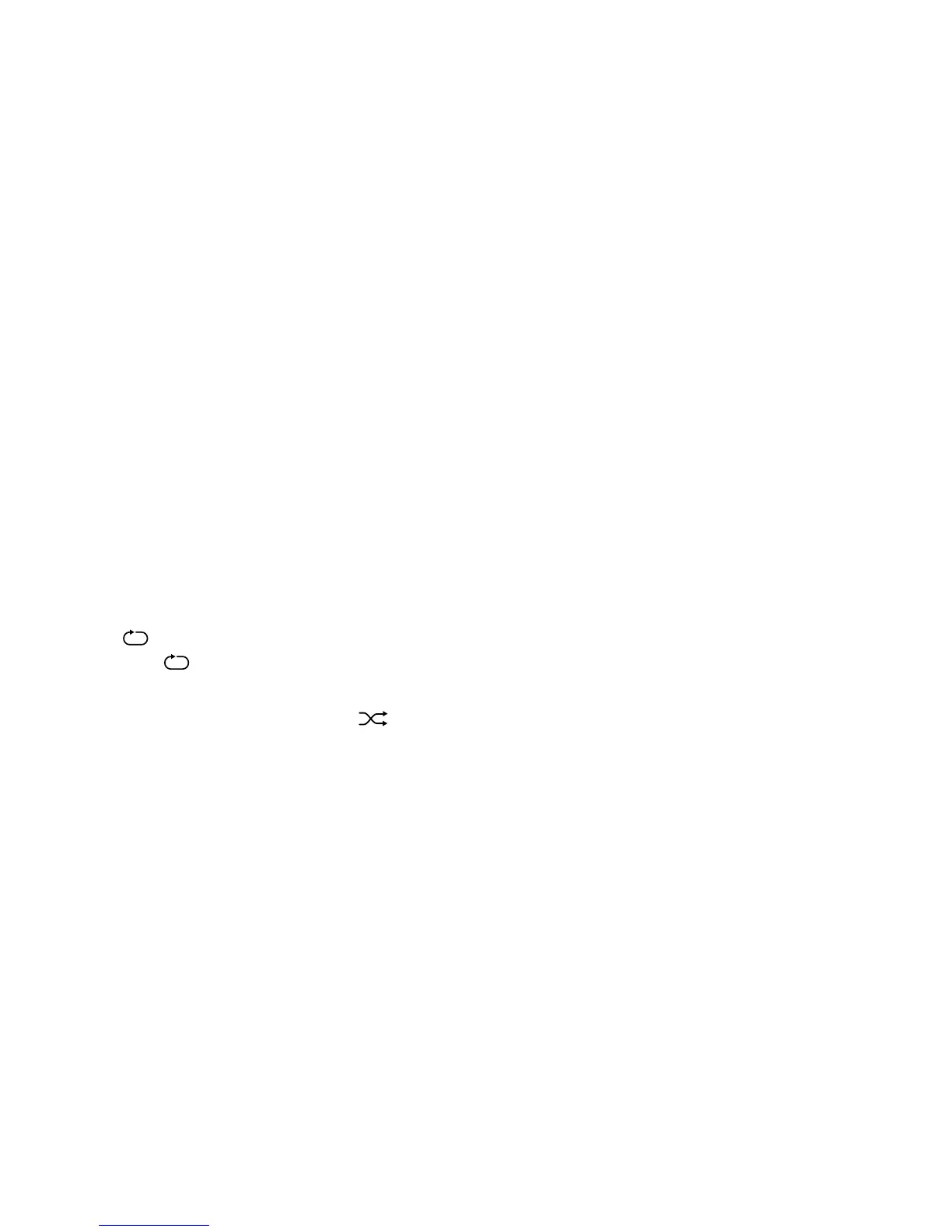
Press the PLAY MODE button on the remote ■
control to scan through: repeat the current
track
appears on the display, repeat the
whole CD
ALL appears on the display.
To play tracks at random press PLAY MODE ■
three times on the remote control
appears on the display.
To cancel press the STOP button on the ■
unit or remote control.
Creating a playlist:
This feature allows you to queue the tracks ■
on the CD in the player. You can queue all or
only some of the tracks in any order, plus
repeat songs you want to hear again.
While in CD mode and with the CD stopped, ■
press the CLOCK/MEMORY button on the
unit or remote control.
"P-01 00" and "PROGRAM" will be shown on ■
the display.
Press or turn ■ / on the unit or remote
control to input the desired track. Press
CLOCK/MEMORY button to continue everytime.
Up to 64 tracks can be programmed. ■
Press the PLAY ■ button to start
playing the programmed tracks.
Press the STOP button to cancel ■
the programming.
For use with DAB radio:
Extend the radio antenna. ■
Press the FUNCTION button on the unit ■
or remote control to select DAB mode.
For initial use press PLAY ■ , the radio
will make a full scan, and store the stations
in memory.
Press ■ or on the remote control or
turn dial on the unit to scan to the frequency
desired.
Press ENTER on the remote to select the ■
chosen station.


 To Next Page