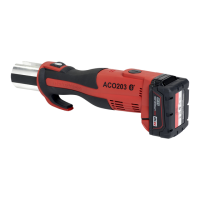
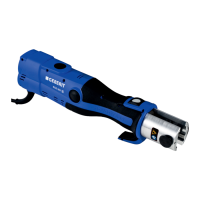
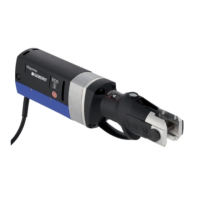
Operating instructions ACO 201
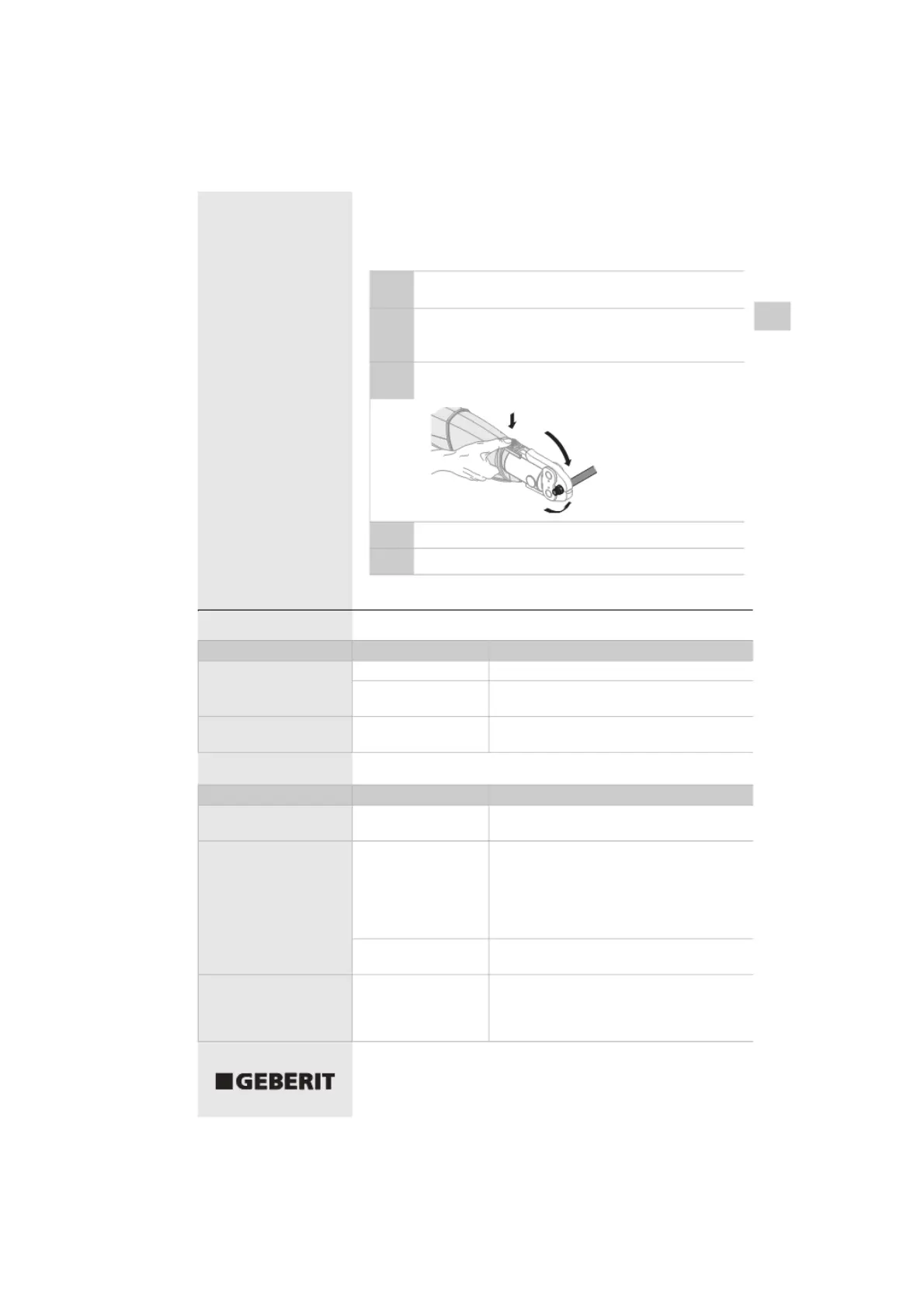
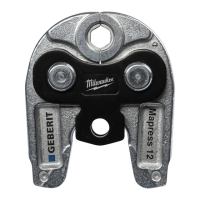
Ensure the diameter of the press fitting matches the
1
diameter of the pressing jaw
Place the pressing jaw onto the press fitting, see the
EN
2
operating instructions for the pressing jaws/pressing
collars
Press the start button and hold it for about two seconds
3
until the automatic pressing function activates
Wait until the roller drive moves back automatically
4
Release the pressing jaw from the press fitting
5
Troubleshooting
Before the pressing operation
Operating status Cause
No LED lights up Standby mode
Accumulator is faulty
Green LED flashes Locking pin is not
pushed in correctly
During the pressing operation
B310-001&BDC © 02-2006
Operating status
Green LED flashes
Green LED flashes and
roller drive moves back to
its starting position
Red LED flashes
Cause
Accumulator not
charged up sufficiently
Locking pin has come
loose
Accumulator not
charged up sufficiently
Start button was
released too soon
Actions
Press the start button for about two seconds
Have the accumulator checked and renew it if
necessary
Press the locking pin in as far as the stop
Actions
• Charge the accumulator or renew it
• Repeat the pressing operation
• Check the locking pin for damage
• Press the locking pin in as far as the stop:
Signal tone sounds and red LED lights up
• Press start button
• Check the pressfitting for leaks and repeat the
pressing operation if necessary
Charge the accumulator or renew it
• Press start button again: Roller drive moves to
its starting position
• Repeat the pressing operation: Press the start
button for about two seconds
19


 To Next Page