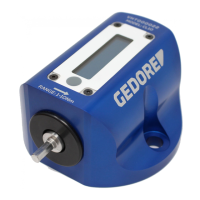
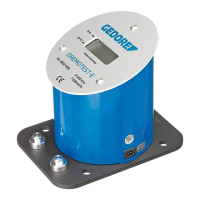
Take the following safety precautions to prevent injuries and damage caused by improper handling and unsafe use of the
torque checker.
Unsafe use can cause SERIOUS INJURY
• ALWAYS check the condition of the torque checker, as well as the accessories, for visible damage prior to use. NEVER use
a damaged torque checker.
• ALWAYS ensure the device is free from oil, grease and water before use.
• NEVER use a torque checker and accessories that have been modified and NEVER modify a torque checker and
accessories.
• ALWAYS apply the torque in the direction of rotation specified.
• NEVER use a Torque checker that has been dropped. ALWAYS have it tested before putting back into use.
If you are uncertain about any aspect of using this product, contact our technical advisors on the contact number on the back
page of this operators manual before use.
Handling
OVERLOAD HAZARD!
ALWAYS make sure that you use the scale with the requisite unit. Non-compliance of the requisite scale can result in faulty
screw connections. These might cause damage,SERIOUS INJURY or DEATH.
For Adjustable tools, the desired torque ALWAYS has to be set before using the torque tool. Be sure to check and
familiarize yourself with the unit and its scales. This tool is equipped with N·m / lbf·ft or lbf·in.
Setting the up the analyser
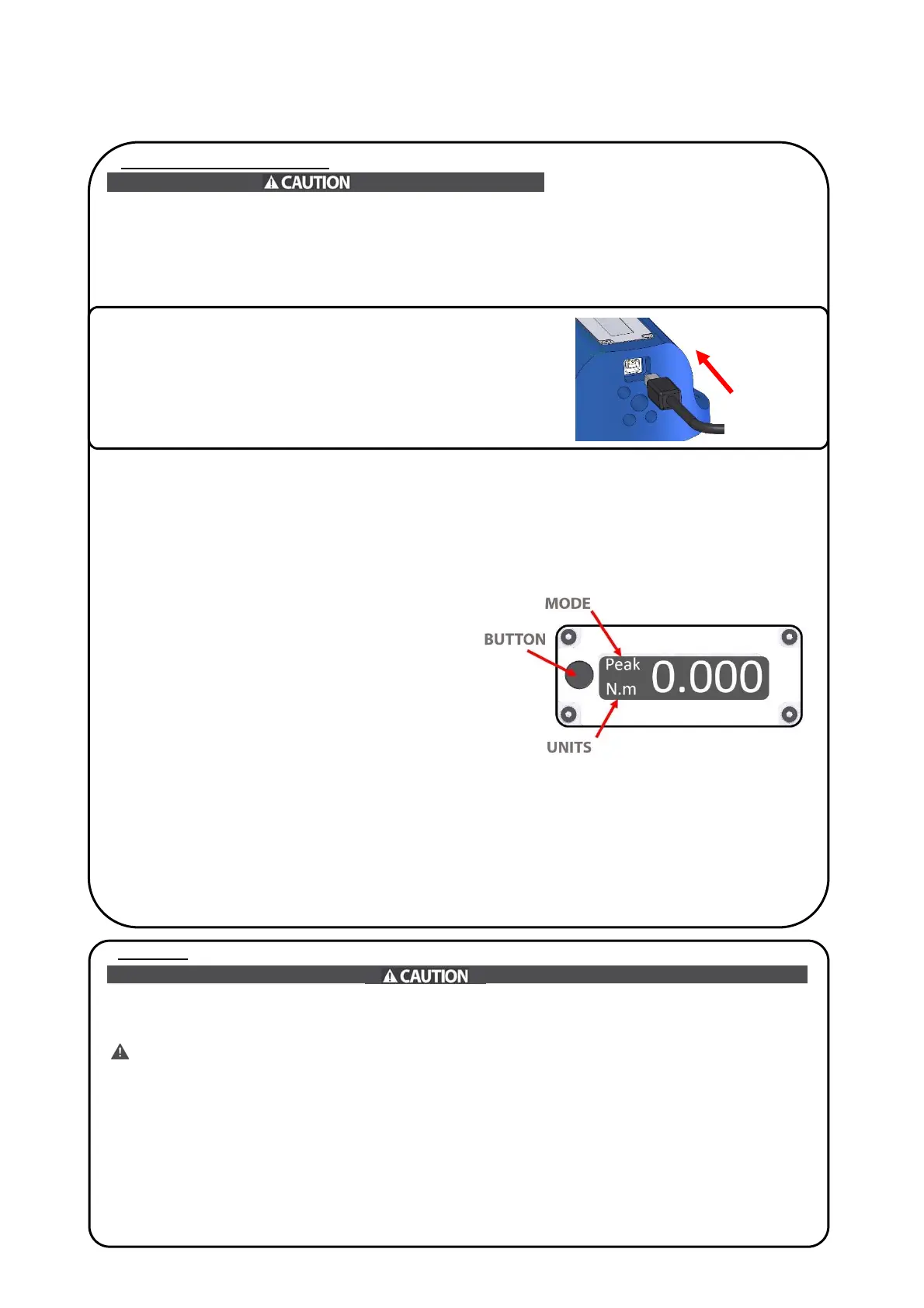
MODE
Hold down the button until the mode starts flashing. A
single click of the button cycles through the different
modes. After 2 seconds the unit will automatically select
the mode that’s flashing and return to the main screen.
Peak – Displays the highest torque value reached.
1st -Peak- Displays the first Peak torque value.
Track - progressively tracks the applied torque.
ZERO
To zero the device simply click the button once
UNITS
To change the units of measurement hold down the
button until the mode flashes, then press and hold the
button until the units start to flash.
Then to select a unit click the button to cycle through
the different units. Available units N.m, lbf.in and lbf.ft
After 2 seconds the unit will automatically select the
mode and return to the main screen.
POWER ON
Once the USB cable (supplied) is plugged into the rear
of the Capture Lite it will automatically power on.
If the device is left it will automatically power down.
Once a tool is placed into the drive, the device will
power up automatically.


 To Next Page
 Loading...