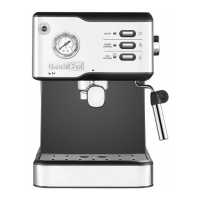
5. " " Steam button
At the standby mode, press this button to preheat for steam function.
After preheating is completed, the steam button indicator stays on.
6
Note:
Please make sure the steam control knob is at “OFF” position
before you turn on the machine. The steam button indicator will
flash and display “E-1” if the steam control knob is not at “OFF”
position, turn the knob back to “OFF” position and the machine
work normally.
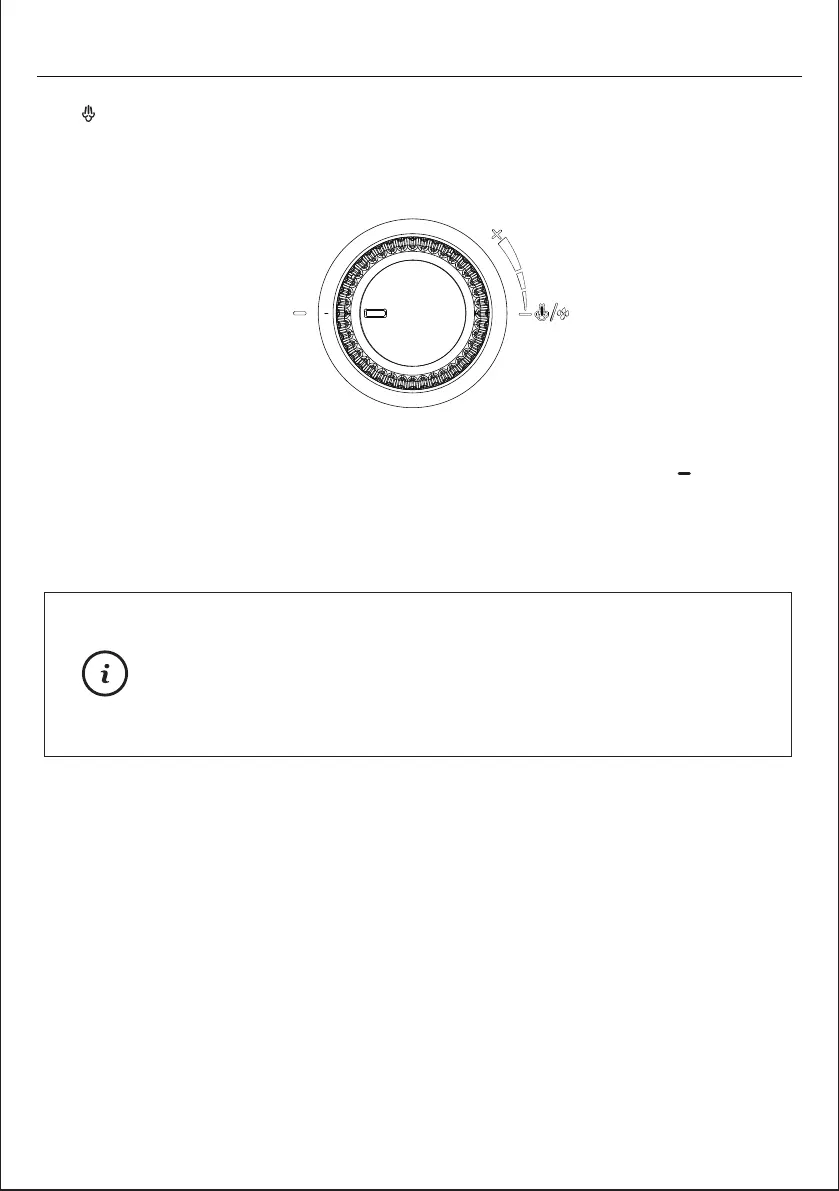
6. Steam control knob
The steam control knob is closed when the knob is pointing "OFF ".
When the machine is in Coffee mode, turn the knob to make hot water.
When the machine is in Steam mode, turn the knob to make dry steam.
PRODUCT COMPONENTS
OFF


 To Next Page